Collaborate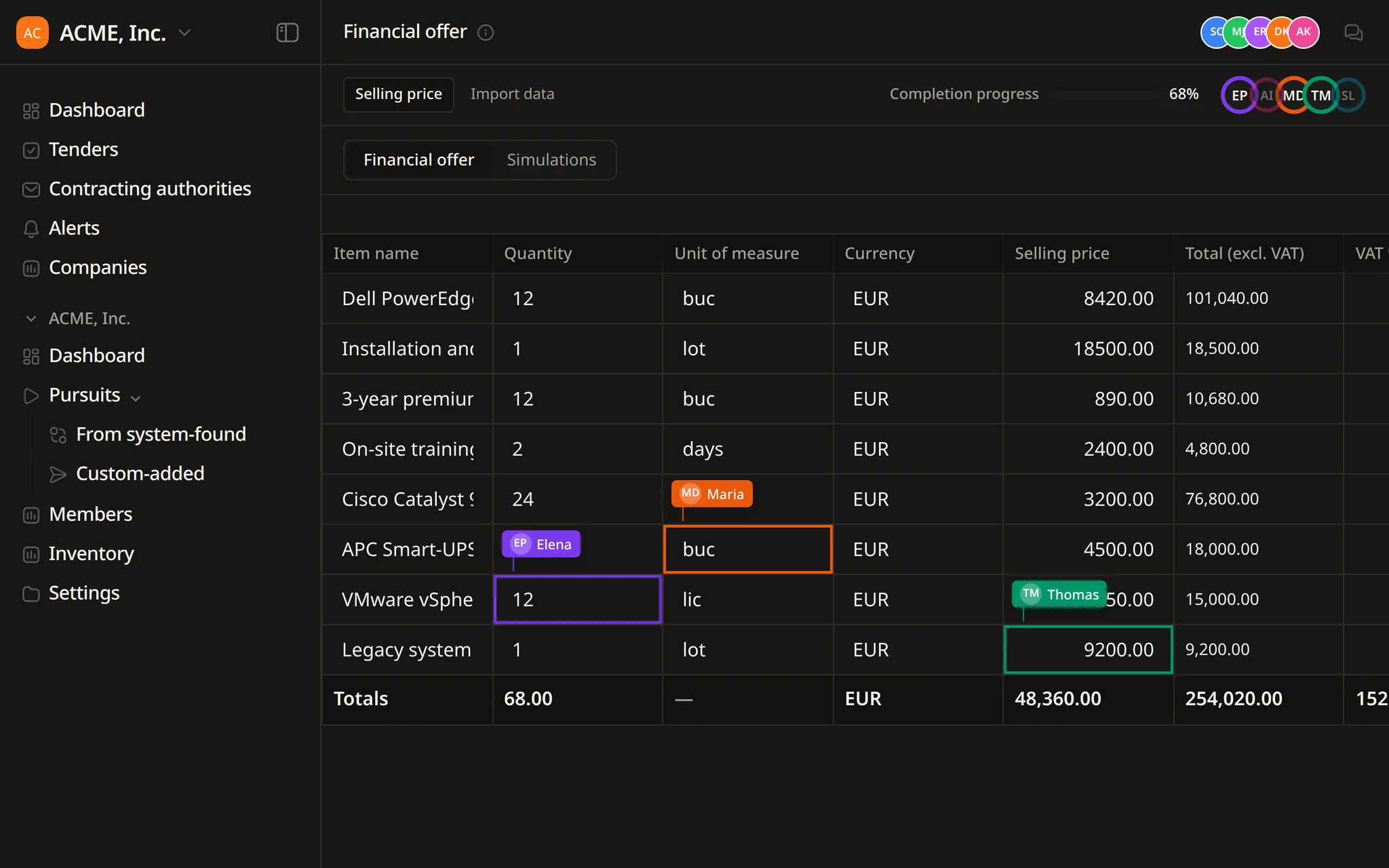
A weekly list of pursuits due
Flow runs the task on schedule and each run opens its own thread, so everyone reads the same summary.


Find opportunities, choose which ones to pursue, prepare the response, and track the deadline.
Search notices, buyers, and CPV codes. Save useful searches and keep deadlines in view.
Improve text, translate it, remove sensitive details, or fill a template, then review each change in the same Word file.
Get notified when a relevant tender appears. Check the details, keep deadlines in view, and decide what needs attention next.
 Collaborate
Flow, the Tendersight agent, plans the work and prepares the files, then waits for your team's approval before anything important changes.
Plans wait for approval
Decisions recorded in the thread
Threads open read-only to teammates
Flow prepares the work. Your team reviews it, approves it and submits.
Each step Flow takes is shown in plain language, each source is cited, and each approval stays in the conversation for the rest of the team to read.
A tender response passes through several hands before it is signed. Each handover needs an owner and a record.
Technical, financial and legal parts of the offer are prepared by different people, often at the same time.
Prices, exceptions and declarations need a named person to approve them.
Pricing models, strategy notes and competitor research must stay out of the submitted offer.
Consortium and subcontractor bids add another company's documents, prices and deadlines.
Pursuits overlap, and clarification windows close before the submission deadline.
Whoever signs the offer needs to see where each answer came from.
One pursuit, one conversation and a workspace panel beside it. Flow does the preparation, and the team decides.
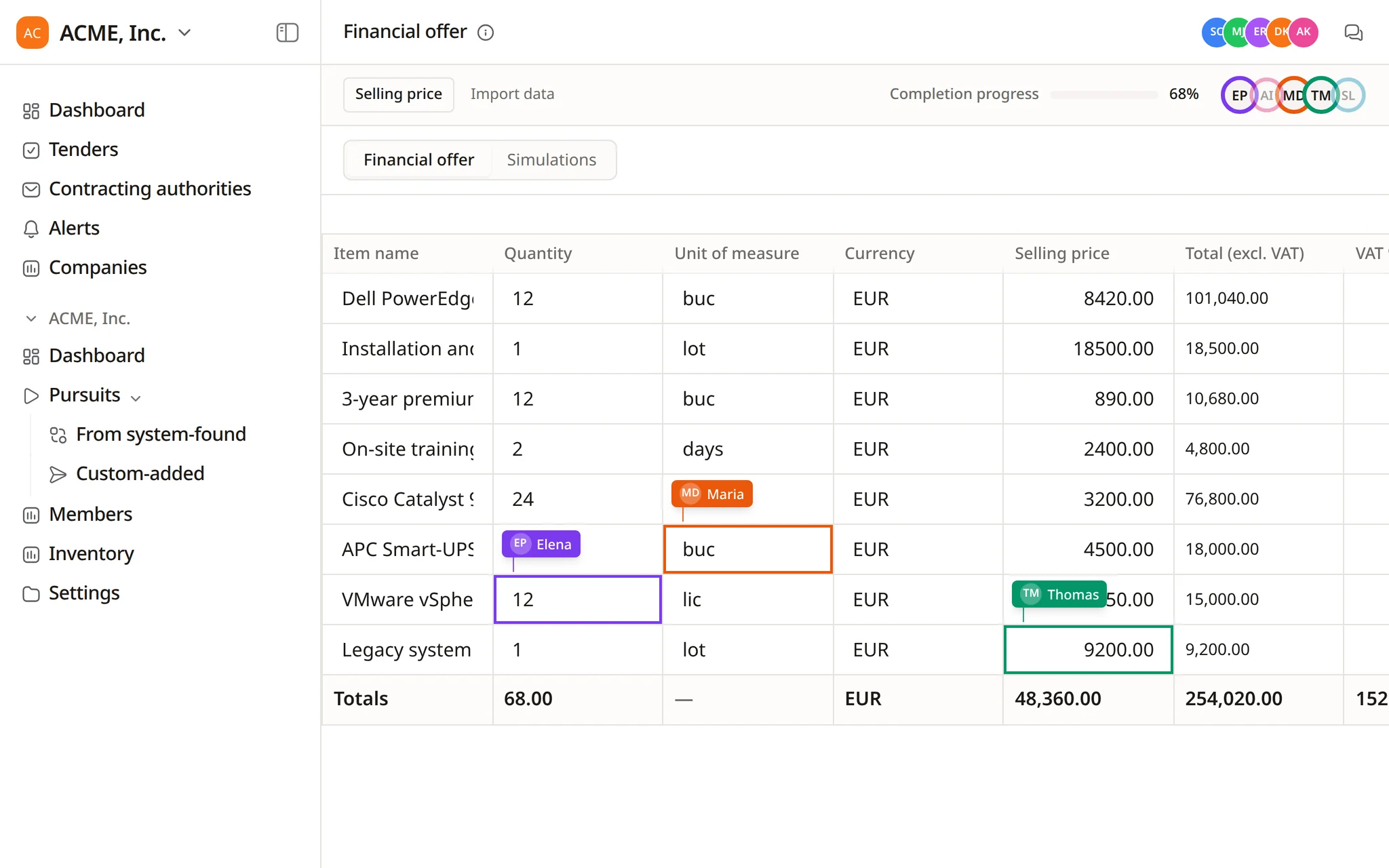
The tender, the offer and the documents sit in one pursuit with its collaborators. Several people can work on the financial offer at the same time.
For a large job Flow drafts an overview and a to-do list, then waits. The plan can be approved, rejected or sent back with changes.
Flow can run up to three side agents in parallel, for example on buyer research and market prices. Each one opens in its own panel.
Files, Activity, Plan and Preview sit next to the conversation. Each file is marked internal working or external submission, and submission files are checked for internal notes.
Changes to requirements, offers and documents wait for Approve or Reject. The decision is recorded, and teammates can open the thread read-only.
Examples of coordination work that bid leads and bid writers hand over in one message.
Plan the offer for Lot 1 of the council server tender and wait for my approval before you start.
Every Friday at 16:00, list next week's pursuits with their completion and open requirements.
Import the tender documents into the pursuit library and sort them into folders by envelope.
Run the proposal compliance review on the technical proposal before Ana signs it.
Summarise the contracting authority statistics for the county council before we decide to bid.
Save this conversation as a team skill for drafting clarification questions.
Recurring summaries, drafts and checks, set up in a conversation, with results the whole team can open.
Flow runs the task on schedule and each run opens its own thread, so everyone reads the same summary.
Flow writes the recipients, subject and body. You open the draft in your email client and send it.
A thread with Flow opens read-only for teammates, with its steps, sources and approvals.
When a teammate asks where an answer came from, Flow points to the document, the page and the exact quote.
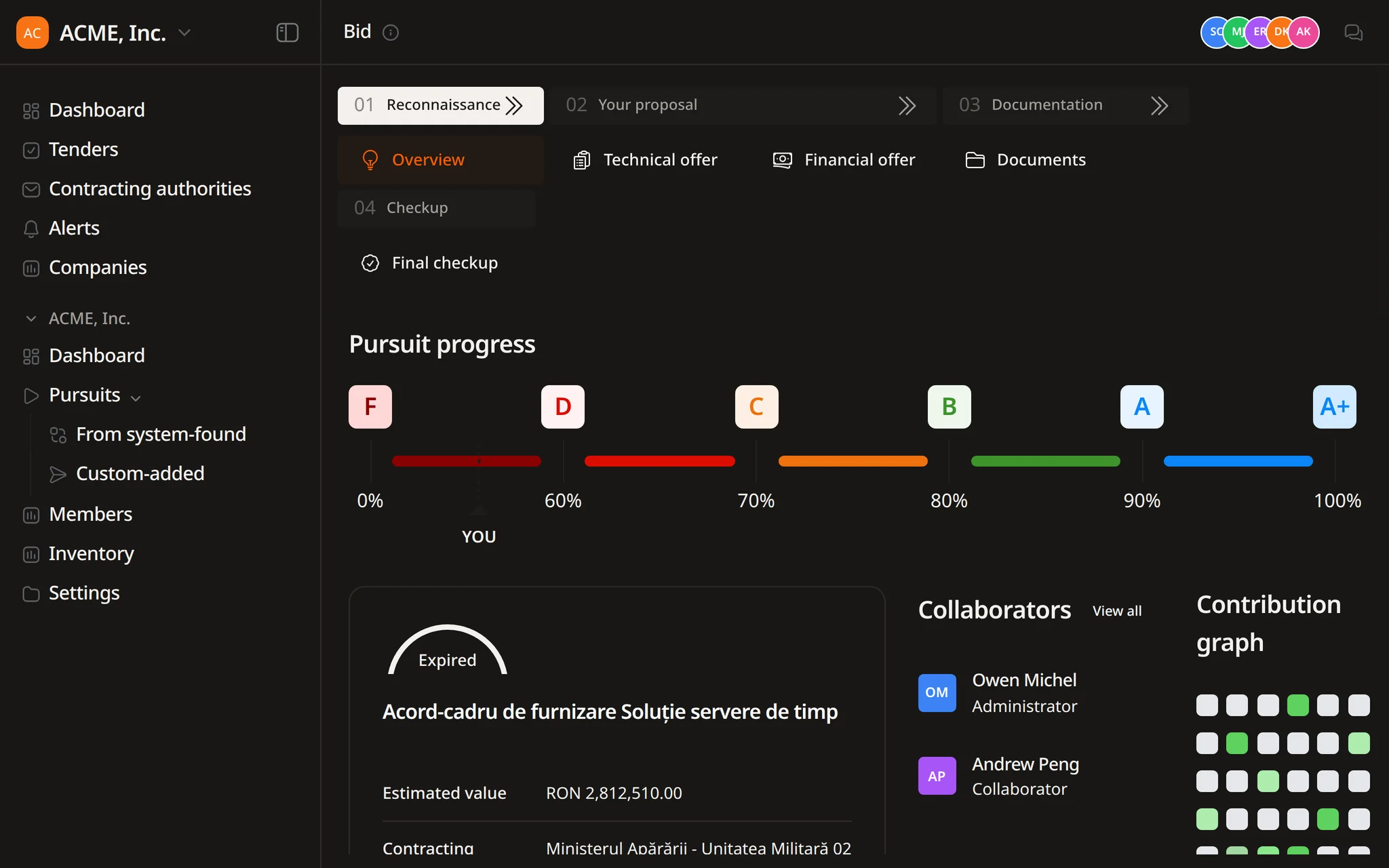
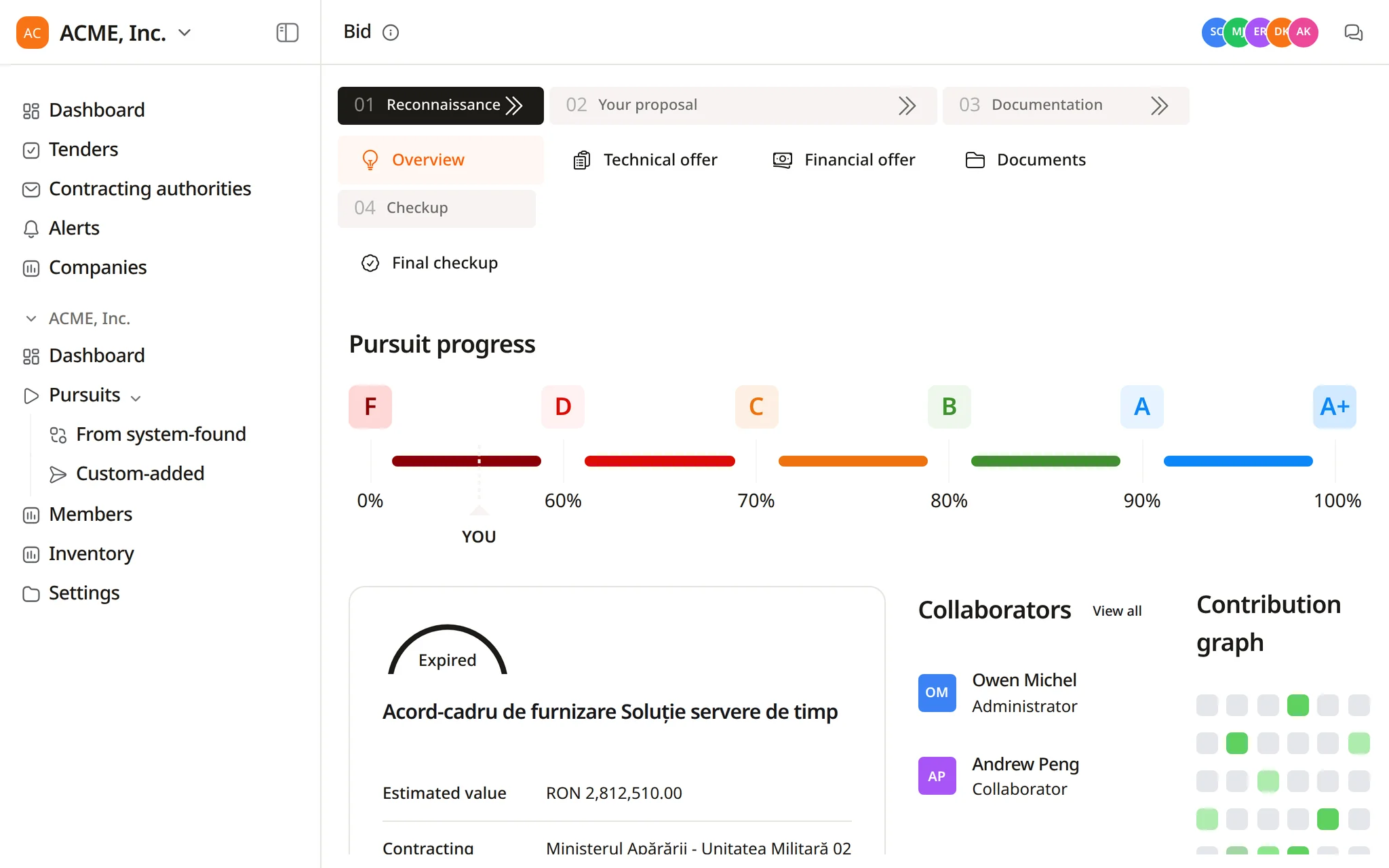
The pursuit overview lists who works on the bid and their role, next to a contribution graph.
Flow prepares and proposes. People decide, sign and submit.
Planning a large job
Changes to offers and documents
Research
Files for the authority
Emails to buyers and partners
Weekly status
In a demo we run a live tender through Flow, from the plan to the files ready for review.
The pursuits your team works on sit in the Track pipeline, from active to submitted to won.
Yes. Invite teammates by email and add them as collaborators on a pursuit. The tender, the offer and the documents stay together in that pursuit, and teammates can open each other's conversations with Flow read-only.
Nothing important. Writes to requirements, offers, documents, products, company details, alerts and scheduled tasks show a confirmation card first. Large jobs start with a plan that waits for approval, and each decision is recorded in the thread.
Yes, read-only. They see the steps Flow took, the sources it cited and the approvals given, without being able to change the thread.
Flow marks every file it produces as internal working or external submission. Before a submission file is saved, it is checked for internal-only content such as strategy or competitor notes. The final review stays with your team.
No. Flow drafts emails with recipients, subject and body for you to open in your email client, and it can summarise pursuits due on a schedule. Assigning work and sending messages stay with your team.
Start free and ask Flow to plan the next tender your team is preparing.