Discover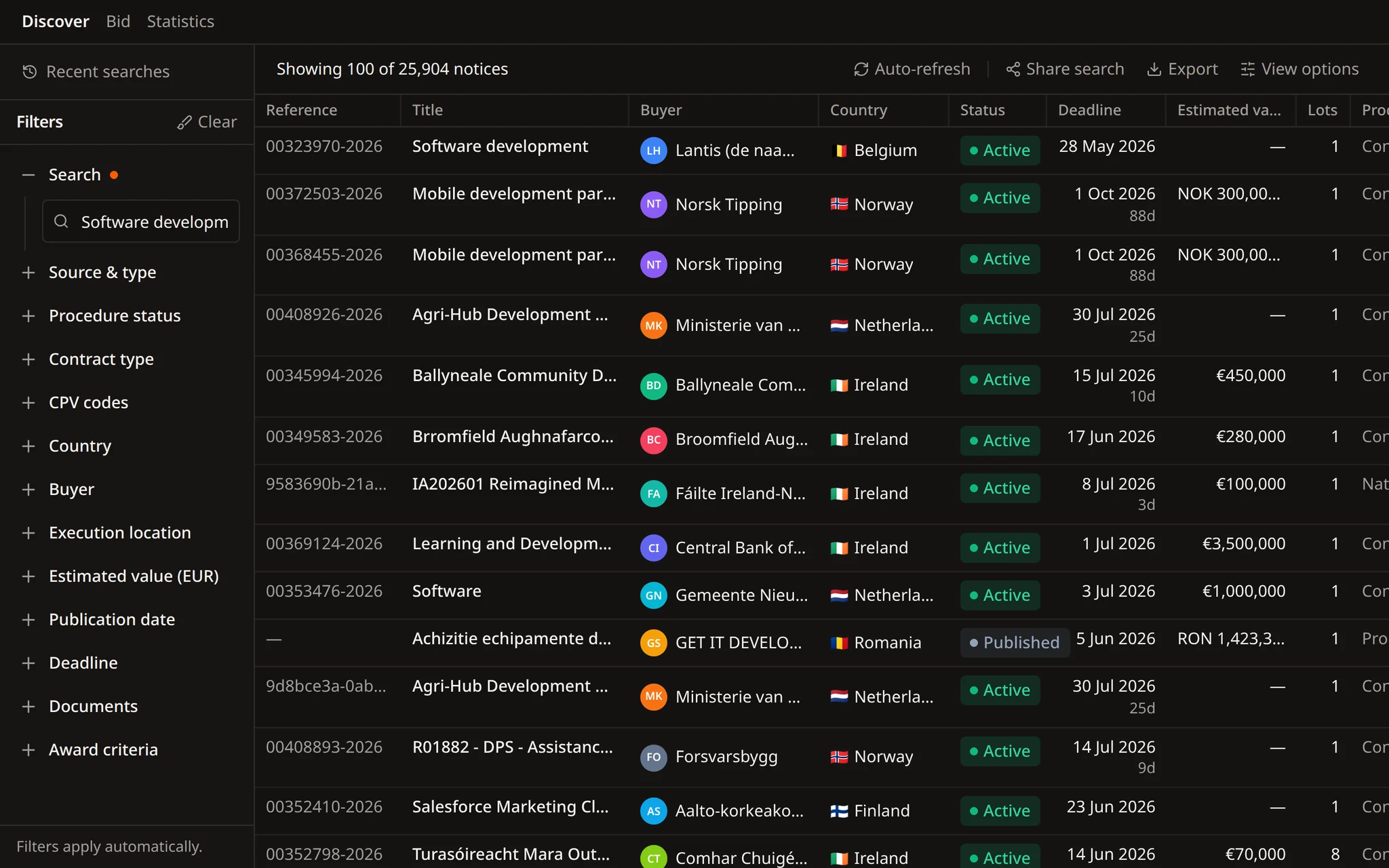
Searches your team can share
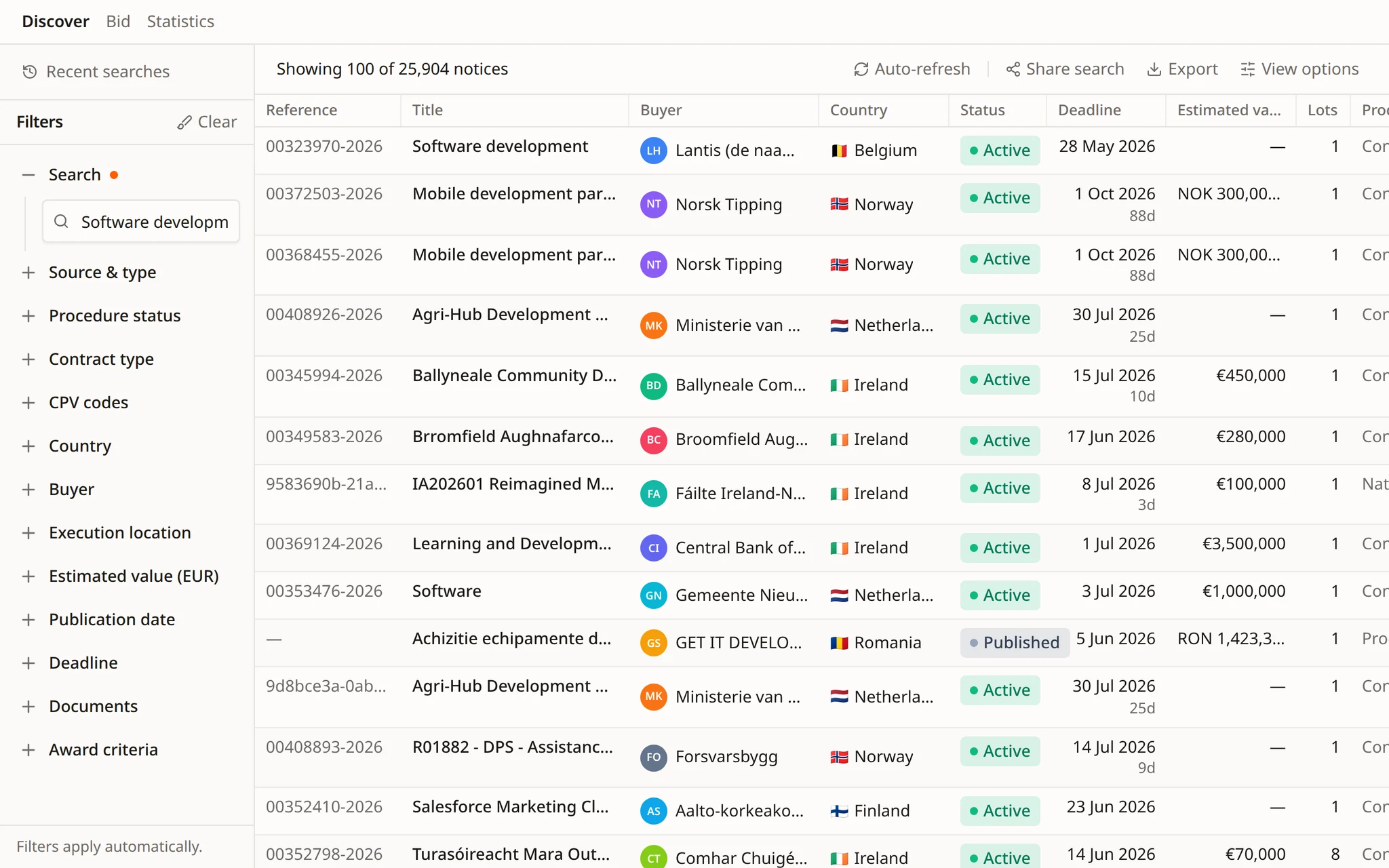
Searches in Discover keep their filters in view. Share a search with a colleague or export the results.


Find opportunities, choose which ones to pursue, prepare the response, and track the deadline.
Search notices, buyers, and CPV codes. Save useful searches and keep deadlines in view.
Improve text, translate it, remove sensitive details, or fill a template, then review each change in the same Word file.
Get notified when a relevant tender appears. Check the details, keep deadlines in view, and decide what needs attention next.
 Discover
Flow, the Tendersight agent, picks the CPV codes and filters, reads tender files and checks for new notices on a schedule.
28+ sources across 27 EU countries
Every step Flow takes is shown
Alerts and schedules wait for approval
Tender search becomes a request you can check.
Flow turns a description of your work into CPV codes and filters, lists what it found, and saves the search as an alert rule or a scheduled task once you approve.
Relevant notices are spread across portals, CPV codes and deadlines. A search has to account for all of them.
Notices appear on TED and on national portals such as SEAP. Discover brings 28+ sources from 27 EU countries into one catalogue.
Works, supplies and services use different codes for the same trade. A narrow scope misses notices, a broad one returns too many to read.
Estimated value and submission deadline decide whether a contract fits your capacity and leaves time to prepare.
Notice type, procedure status and contract type separate open calls for competition from everything else.
Buyers you already serve can be searched on their own, and their publishing history shows what they buy.
Lots, award criteria and required documents sit in the tender documents, not in the notice summary.
One conversation, from a description of your work to an alert that keeps running. Each step is visible, and changes wait for your approval.
Tell Flow what you deliver and where. It chooses the CPV scope across works, supplies and services, then searches with the filters it set.
Results come from the Tendersight catalogue, with the contracting authority, estimated value and submission deadline of each notice.
Flow opens the notice, reads its documents and award criteria, and answers with the quote and page it relies on.
When the search is right, Flow proposes an alert rule with the same filters. Nothing is created until you approve it.
A scheduled task runs the search on the days you choose and summarises the relevant notices. Each run opens its own conversation.
Examples of requests from bid teams looking for public contracts.
Find open tenders for LED street lighting in Poland and Czechia with an estimated value above €500,000.
We supply, install and maintain road lighting. Which CPV codes should our alert rules use?
Open the Wrocław lighting tender and list the award criteria and the experience required for Lot 2.
Show the statistics for this contracting authority and the CPV codes it publishes most.
Every weekday at 07:30, search new notices for CPV 45316110 in Czechia and Slovakia and summarise the relevant ones.
Show our CPV market share, regional coverage and main competitors in road lighting.
Shared searches, buyer statistics, tender pages and market scans that span several countries.
Searches in Discover keep their filters in view. Share a search with a colleague or export the results.
TED and national portals such as SEAP: 28+ sources across 27 EU countries, in one catalogue.
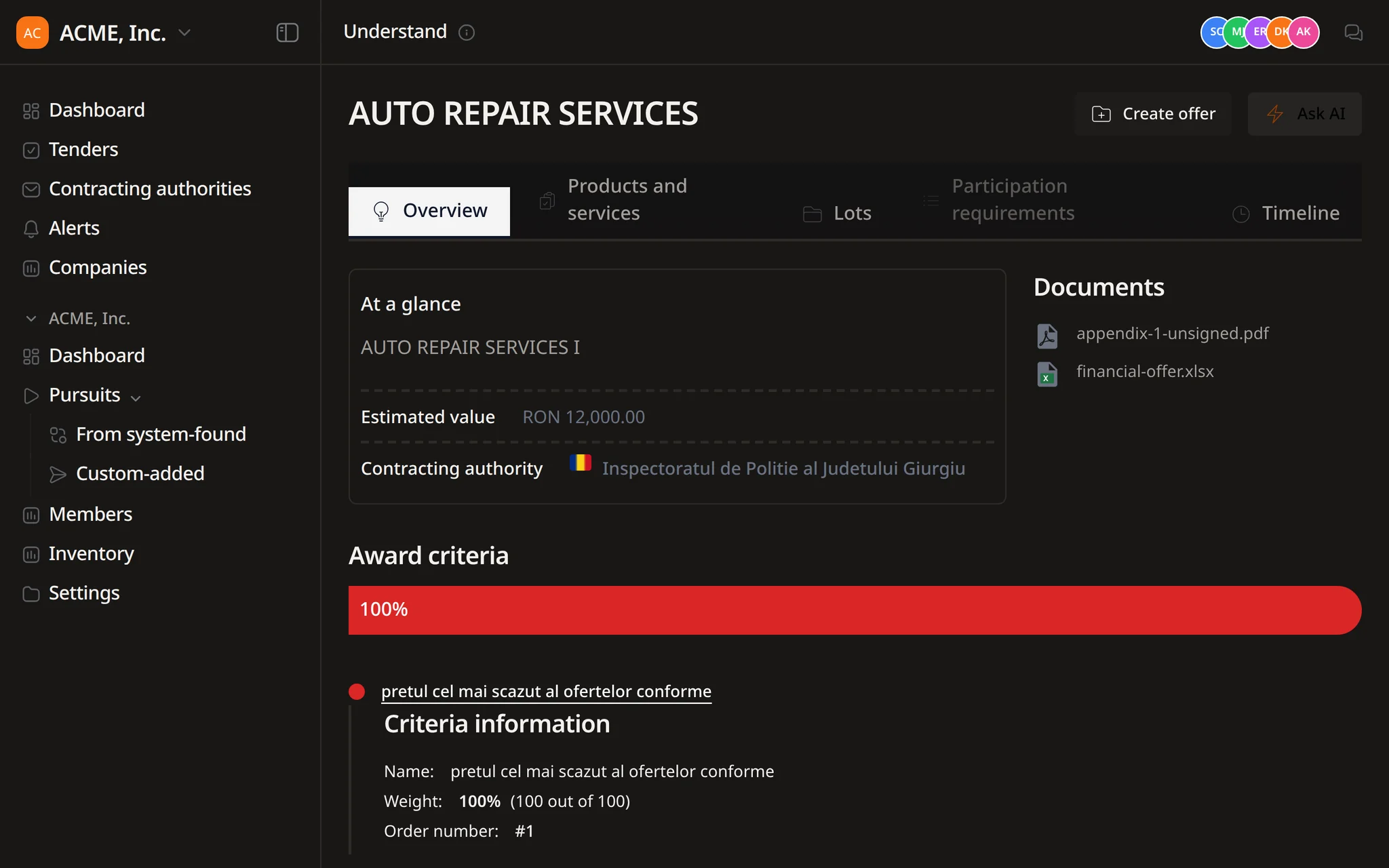
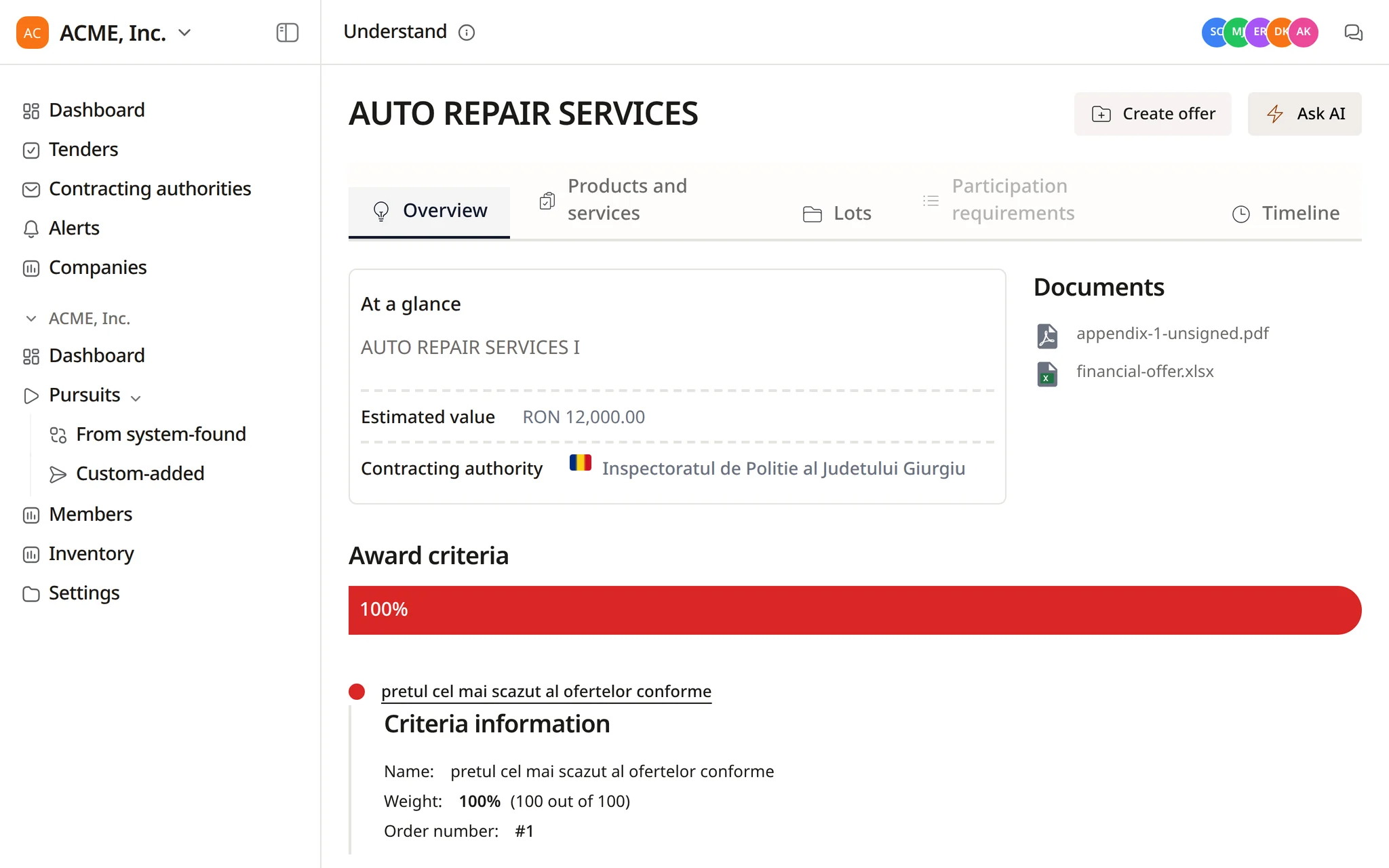
The tender page keeps lots, participation requirements, documents and the notice timeline together.
For a wide search, Flow writes a plan and can split it across up to three side agents. Work starts when you approve.
In a demo we describe your market to Flow and build the search, the alert rule and the schedule with your team.
Ask Flow to create a pursuit from the notice, then build the requirements, documents and financial offer in the same conversation.
Describe the contracts you want, or give Flow keywords, CPV codes, countries, values and deadlines. It searches the Tendersight catalogue with those filters, chooses CPV codes when you describe a domain in words, and shows each step it takes.
Official European publications: TED and national procurement portals such as SEAP. That is 28+ sources across the 27 EU countries, searched as one catalogue.
Yes. Flow can create alert rules from a conversation, and it can set up scheduled tasks, such as a search every weekday at 07:30 with a summary of the relevant notices. Both are created only after you confirm them, and each scheduled run opens its own conversation.
Yes. Flow opens the tender, reads its documents and award criteria, and answers your questions with the document and page it relies on. The tender assessment skill returns Go, Go with conditions or No-go for a fuller view.
The decision to bid, the final review and the submission. Flow does not edit notices, submit bids or send emails, and changes to alert rules and scheduled tasks wait for your approval.
Start free and run your first search with Flow.