Tendersight Mobile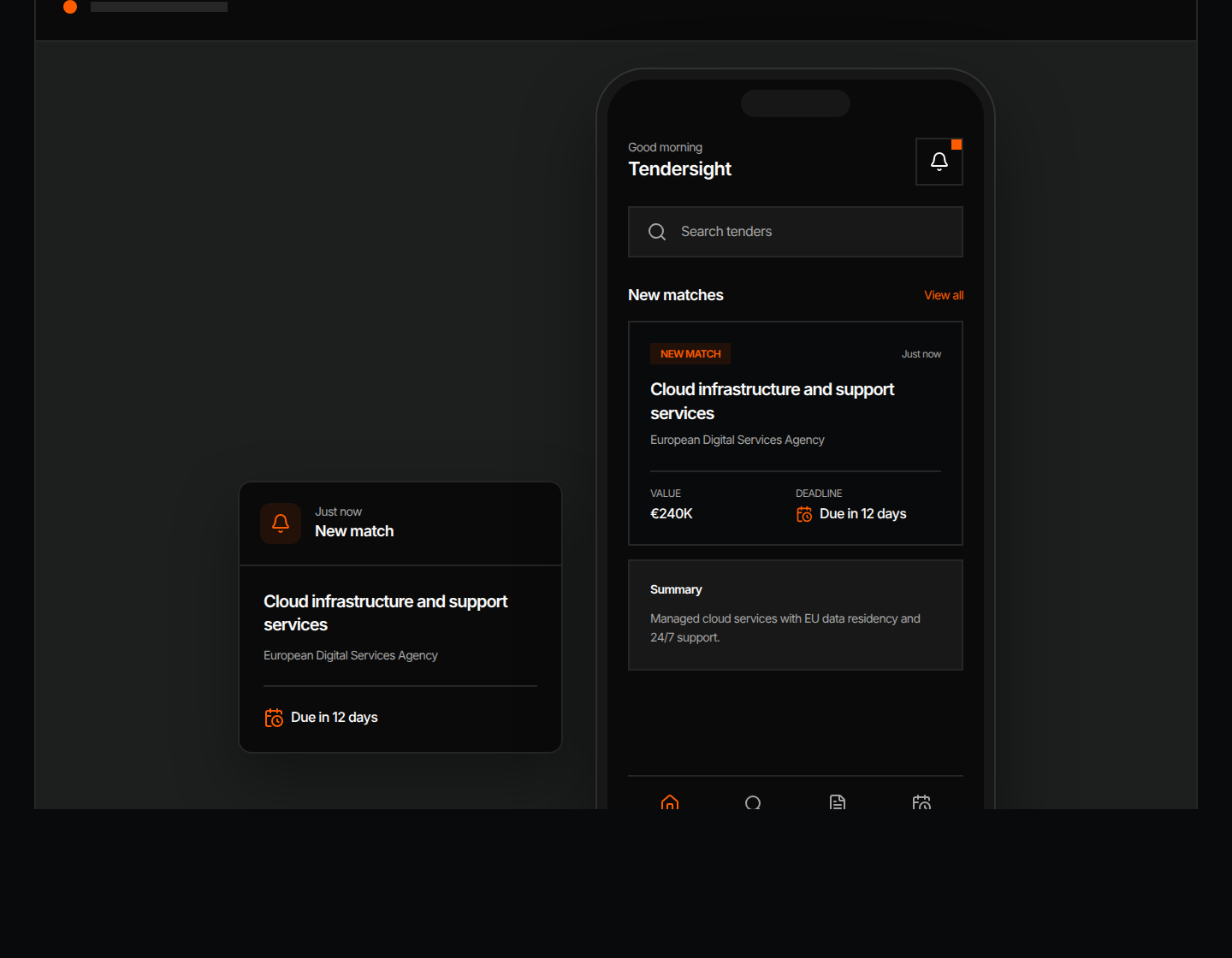
Prepare the bid in Tendersight Platform
Flow, the Tendersight agent, reads the full tender file, builds the offer and fills the authority's forms. Changes wait for your approval.
See the platform

Find opportunities, choose which ones to pursue, prepare the response, and track the deadline.
Search notices, buyers, and CPV codes. Save useful searches and keep deadlines in view.
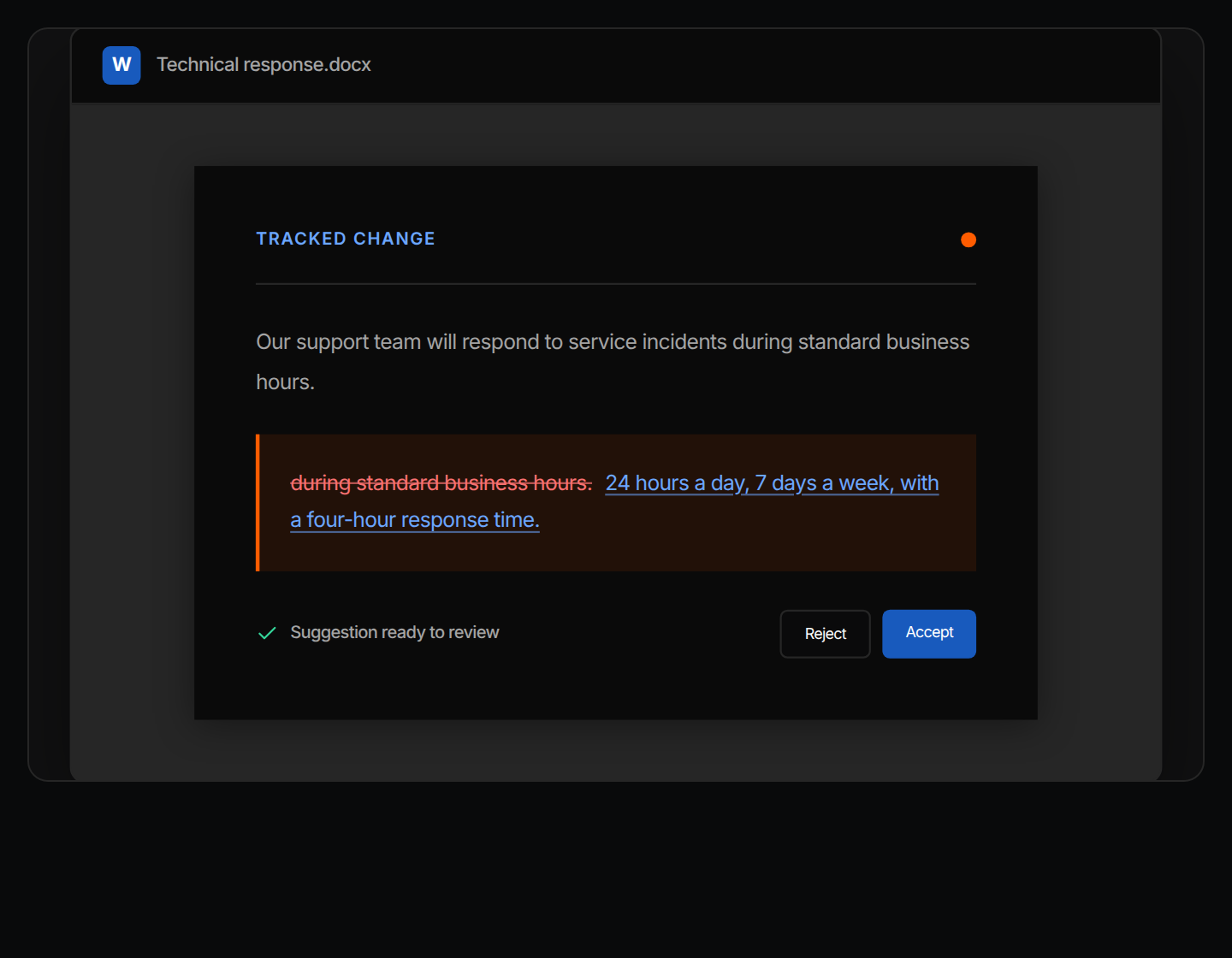
Improve text, translate it, remove sensitive details, or fill a template, then review each change in the same Word file.
Get notified when a relevant tender appears. Check the details, keep deadlines in view, and decide what needs attention next.
 Tendersight Mobile
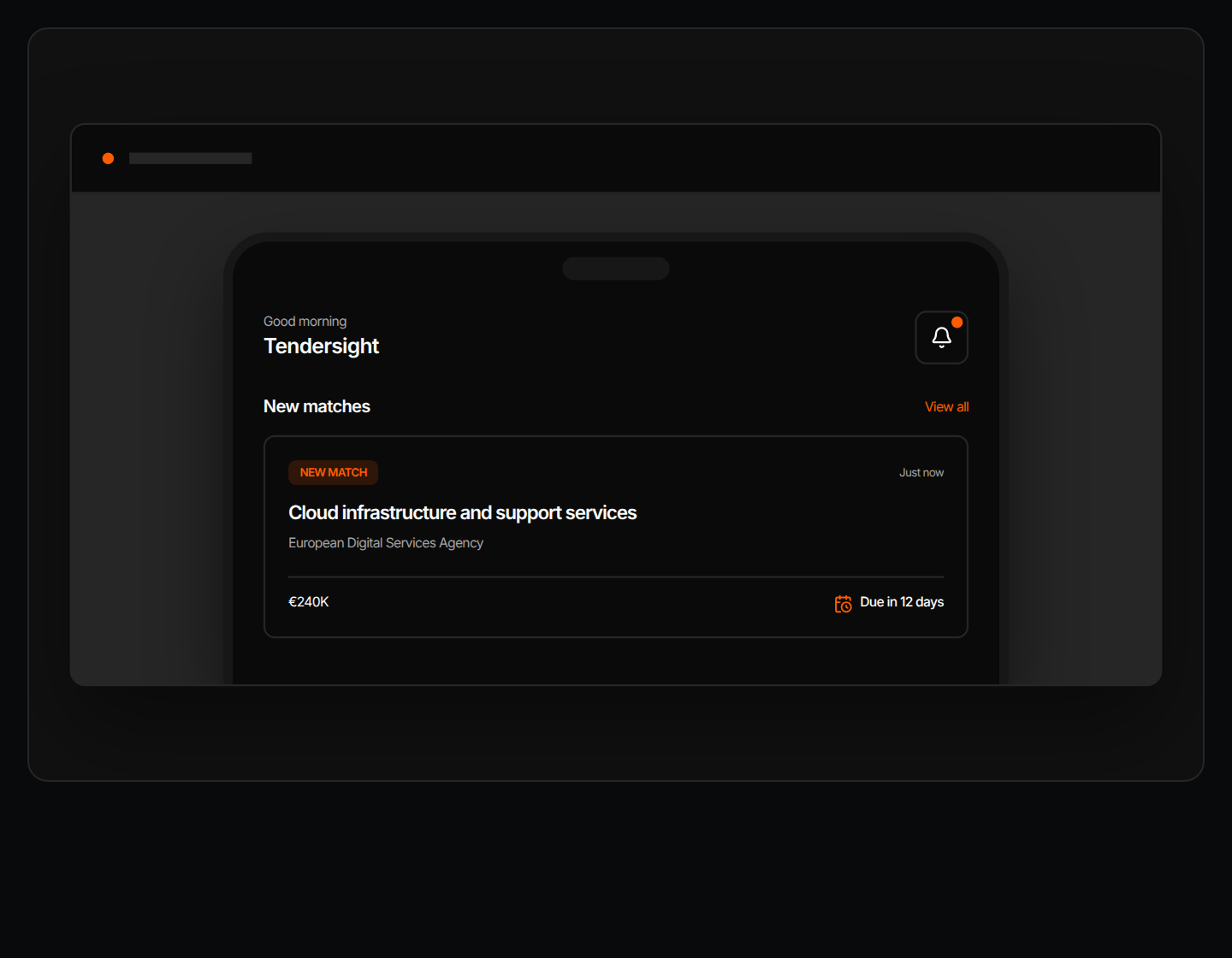
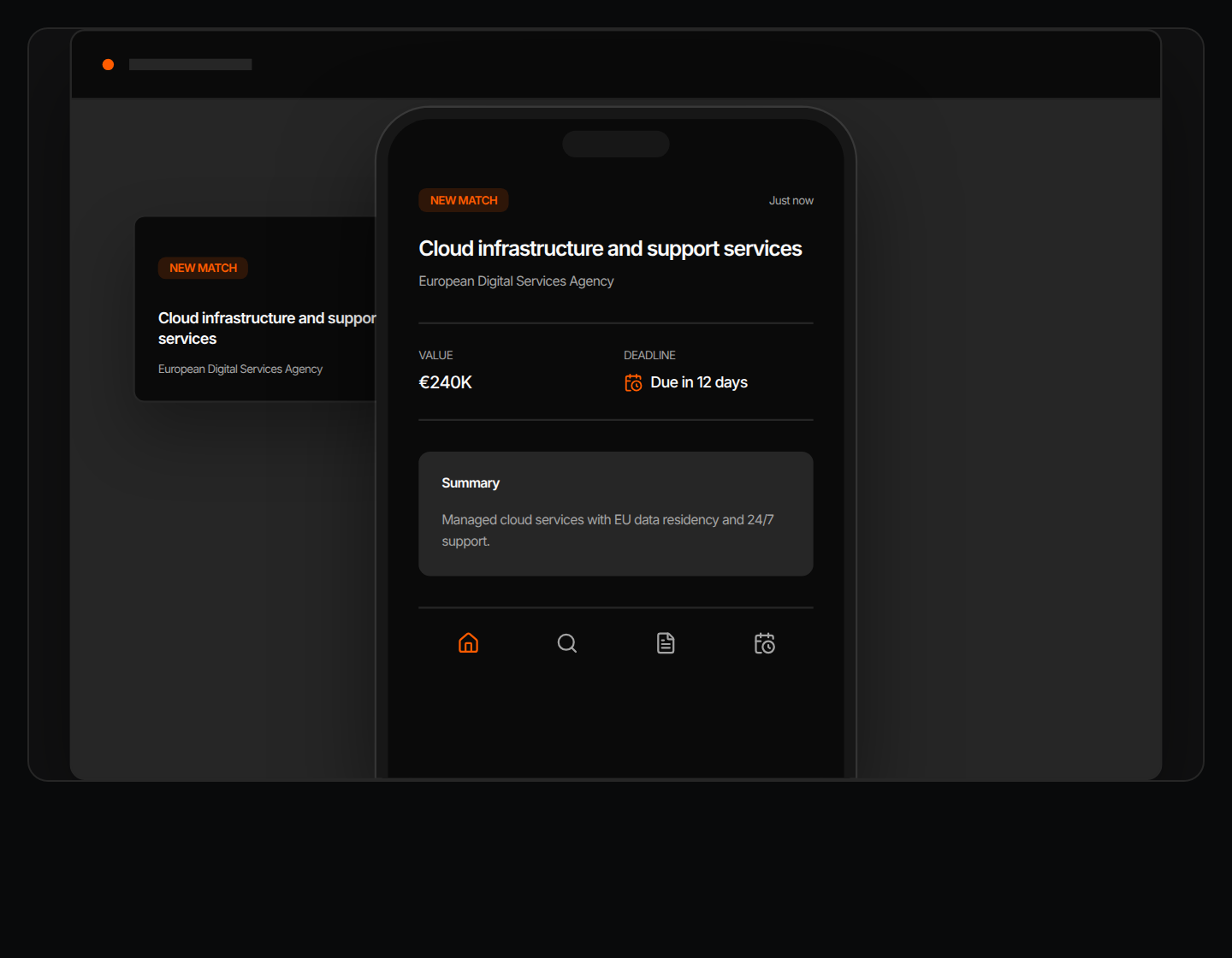
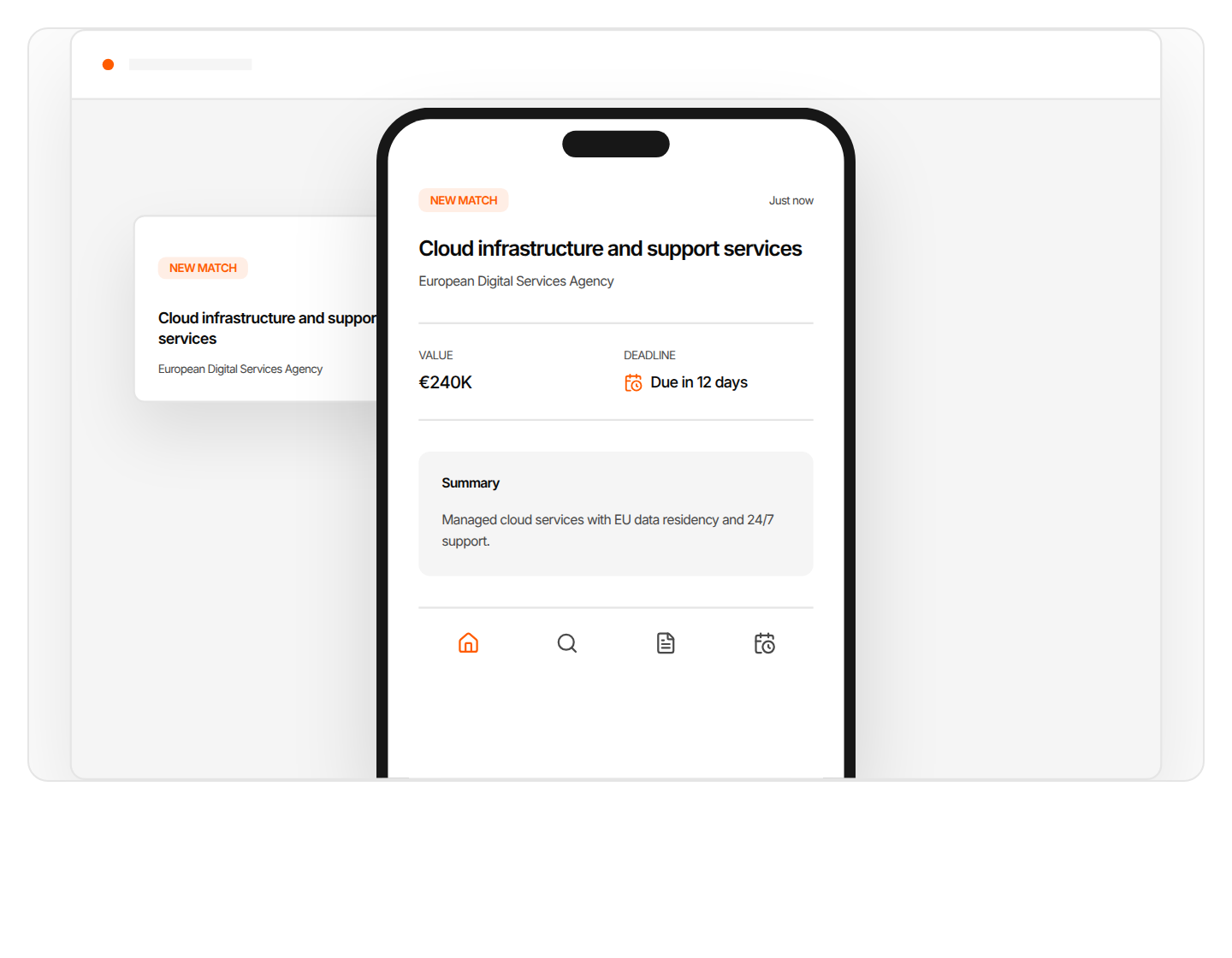
An alert when a tender matches your saved search, with the buyer, value, summary and deadline on one screen.
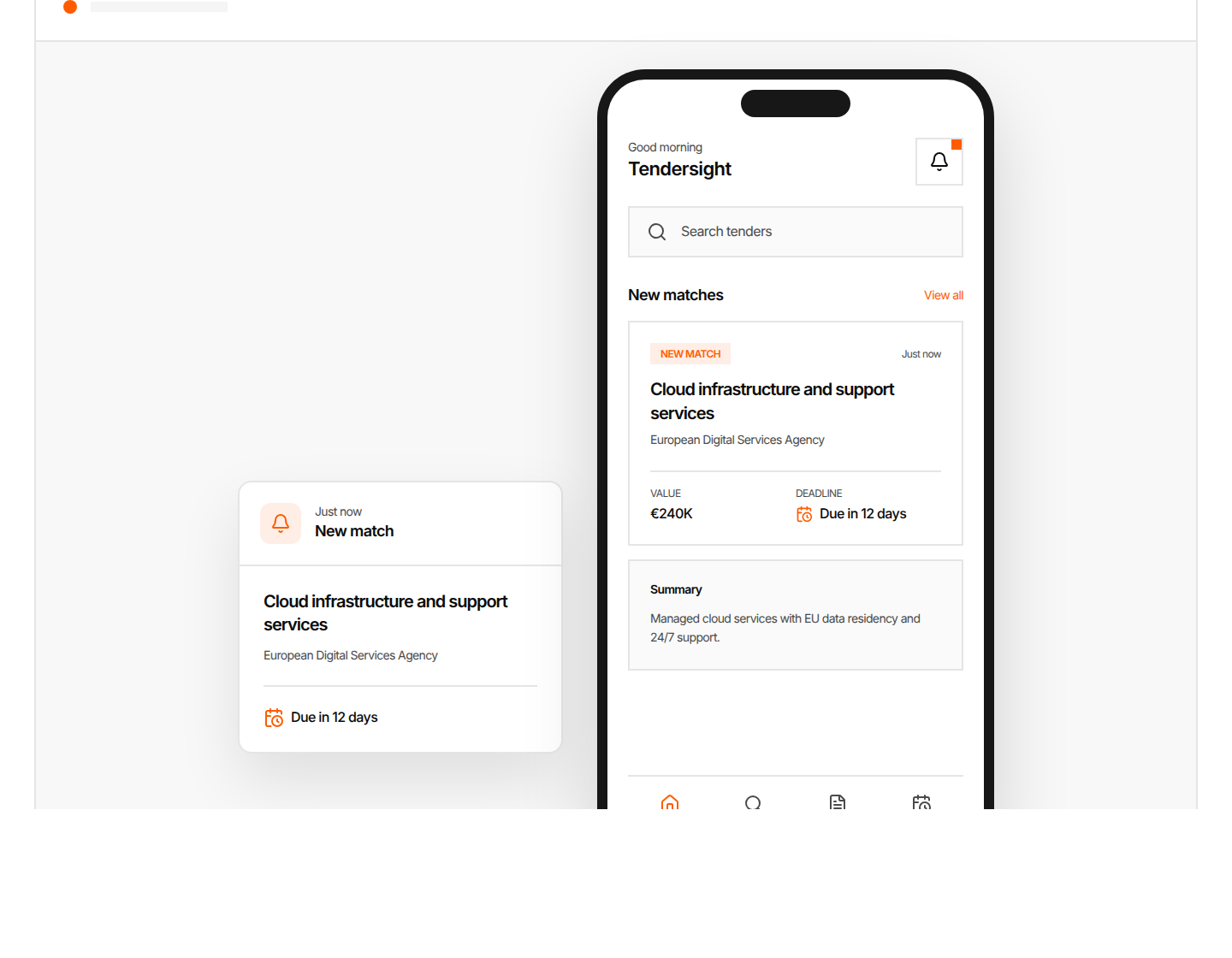
Alerts from your saved searches
Buyer, value and deadline at a glance
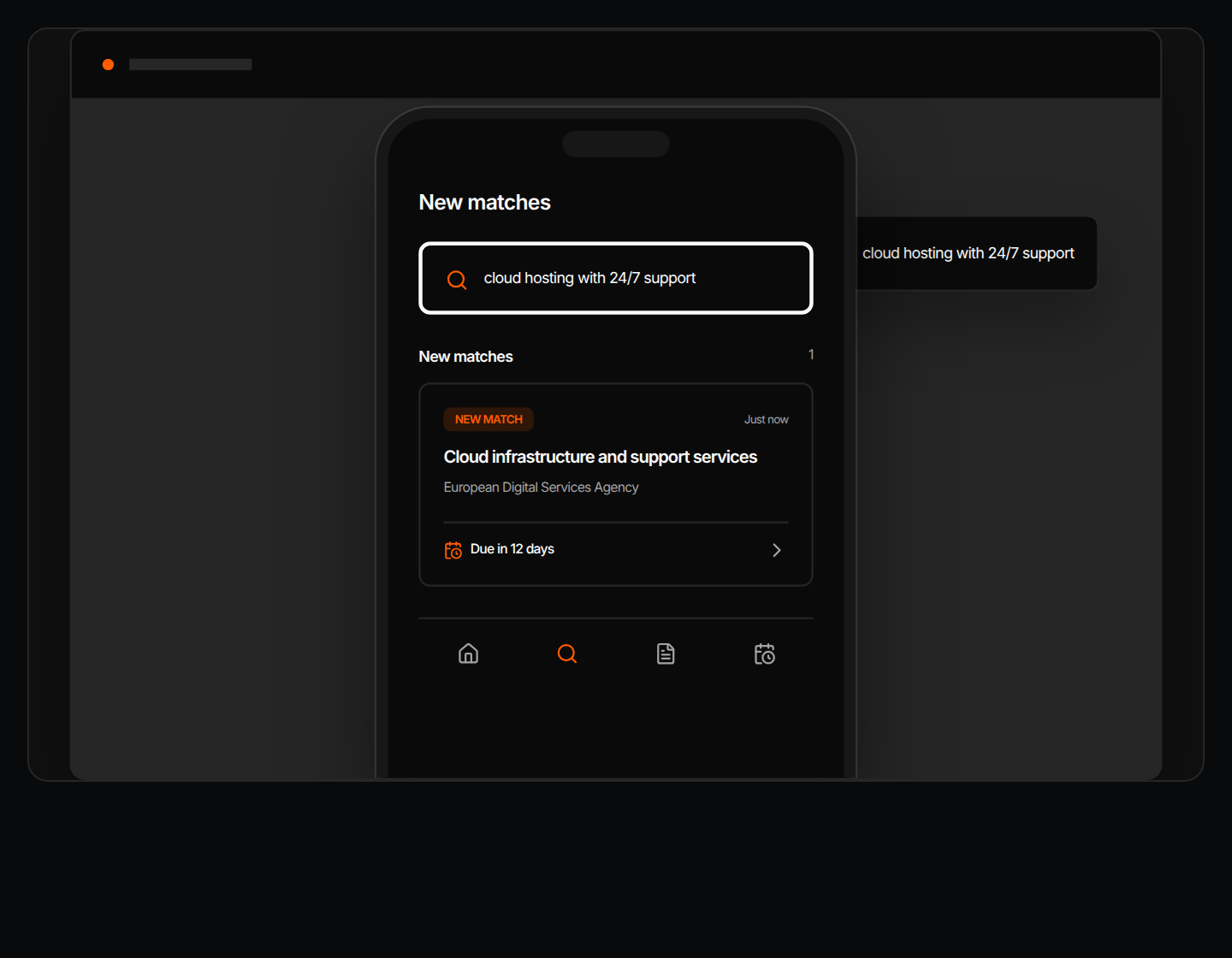
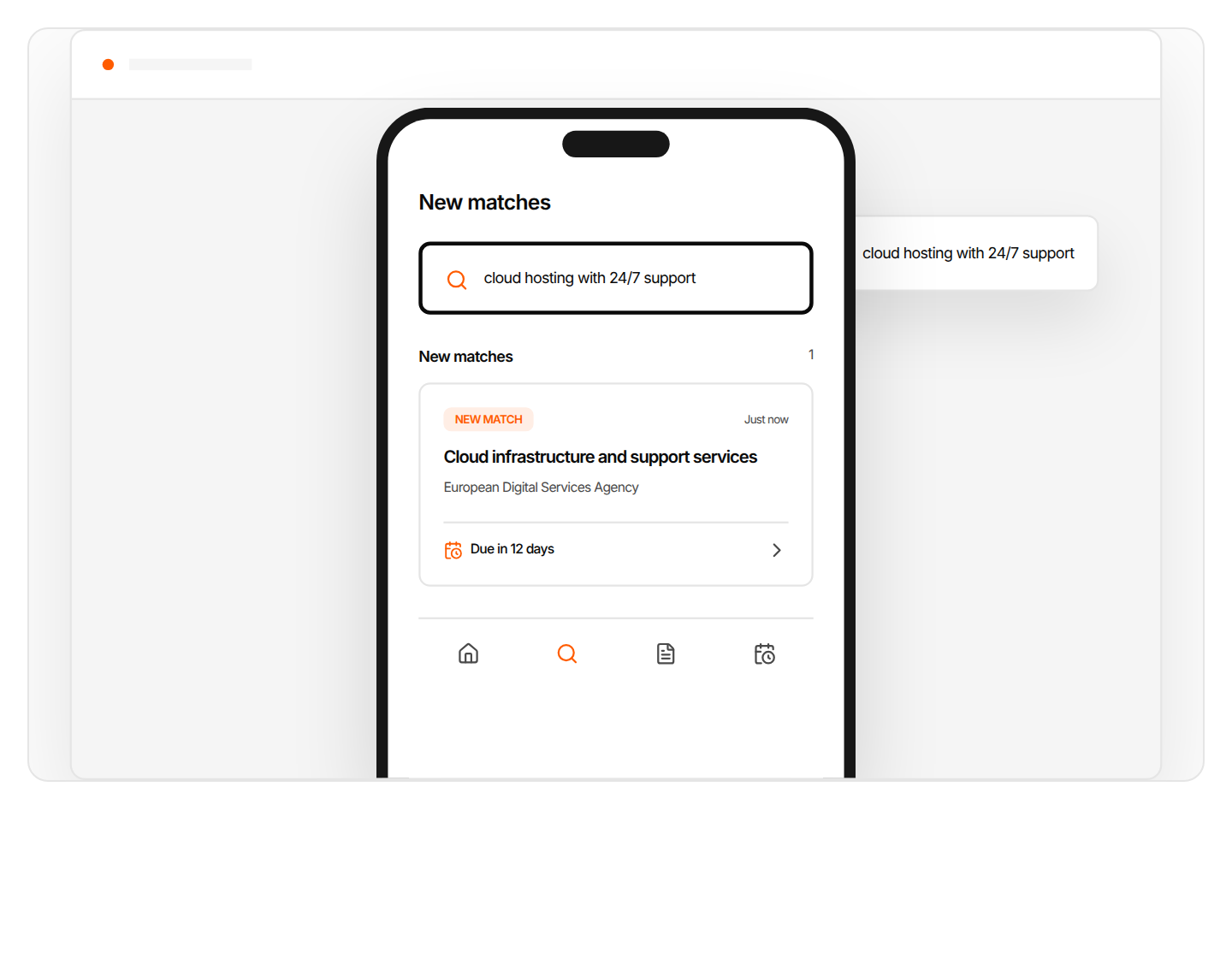
Search in everyday words
Decide from your phone which tenders deserve the team's time.
Tendersight Mobile is for finding and assessing tenders. The response itself is prepared in Tendersight Platform or Tendersight Word.
Enough to decide whether the tender deserves a closer look, before you open the full notice.
The name of the tender, as the contracting authority published it.
The contracting authority that published the tender.
The value of the contract, shown on the match card and in the details.
A few lines on what the buyer is asking for.
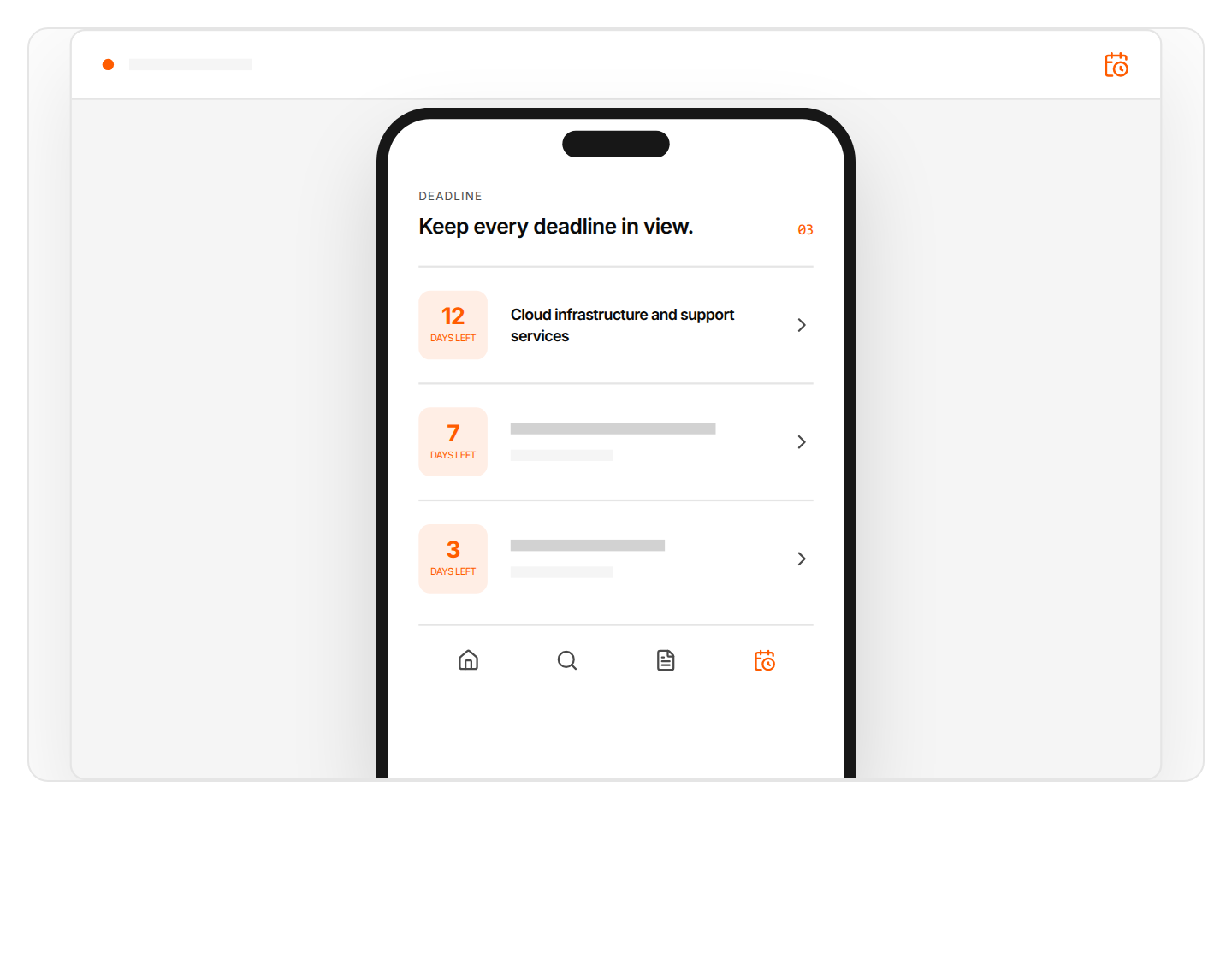
The number of days left before the submission deadline.
New matches from your saved search are marked when they appear.
Open a match, check the essentials and decide whether it deserves a closer look.
Tenders that match your saved search appear in one list, marked as new, with the buyer and deadline already visible.
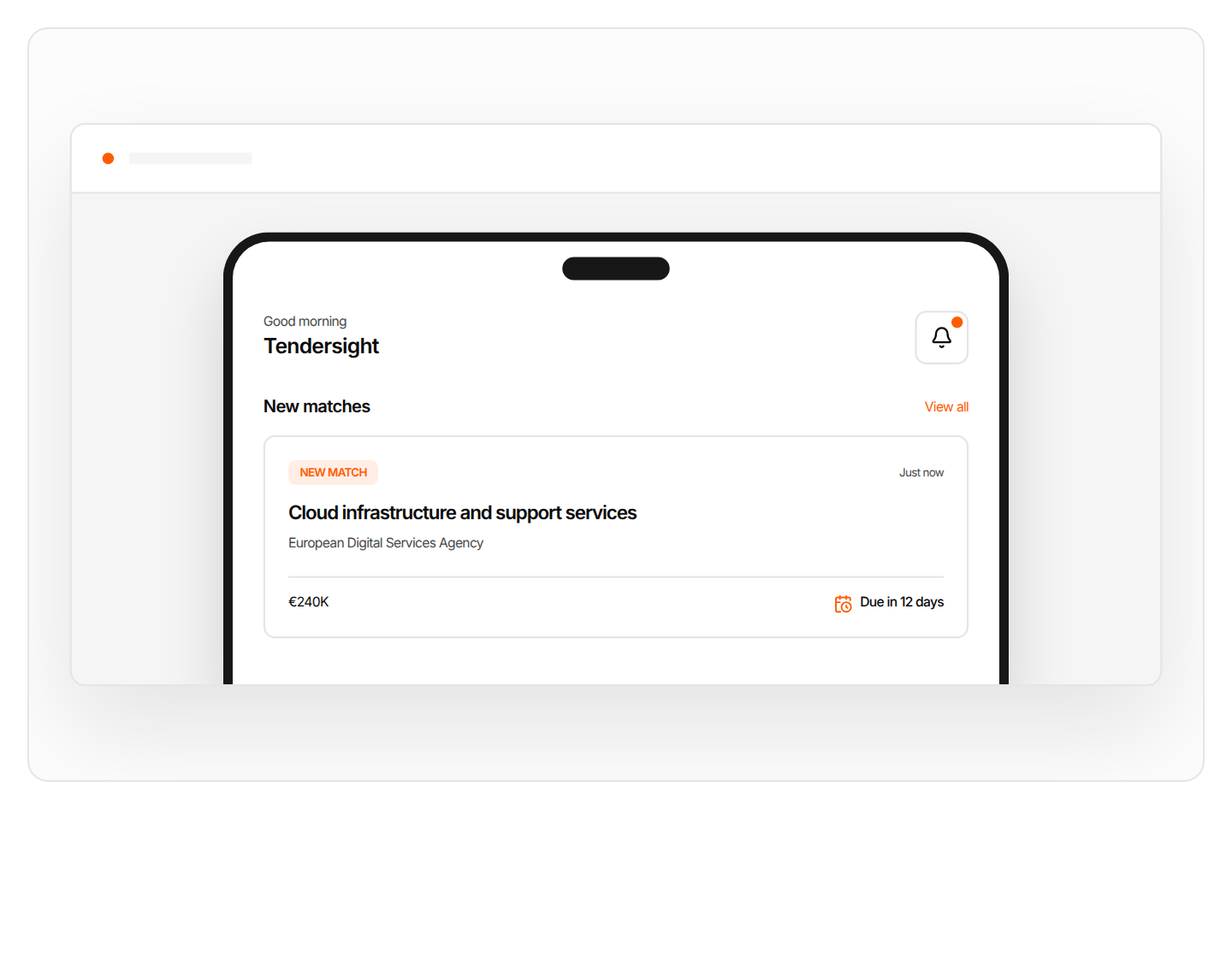
Buyer, value, a short summary and the deadline, before you open the full notice.
Describe the work you want to find in plain language and review the tenders that match.
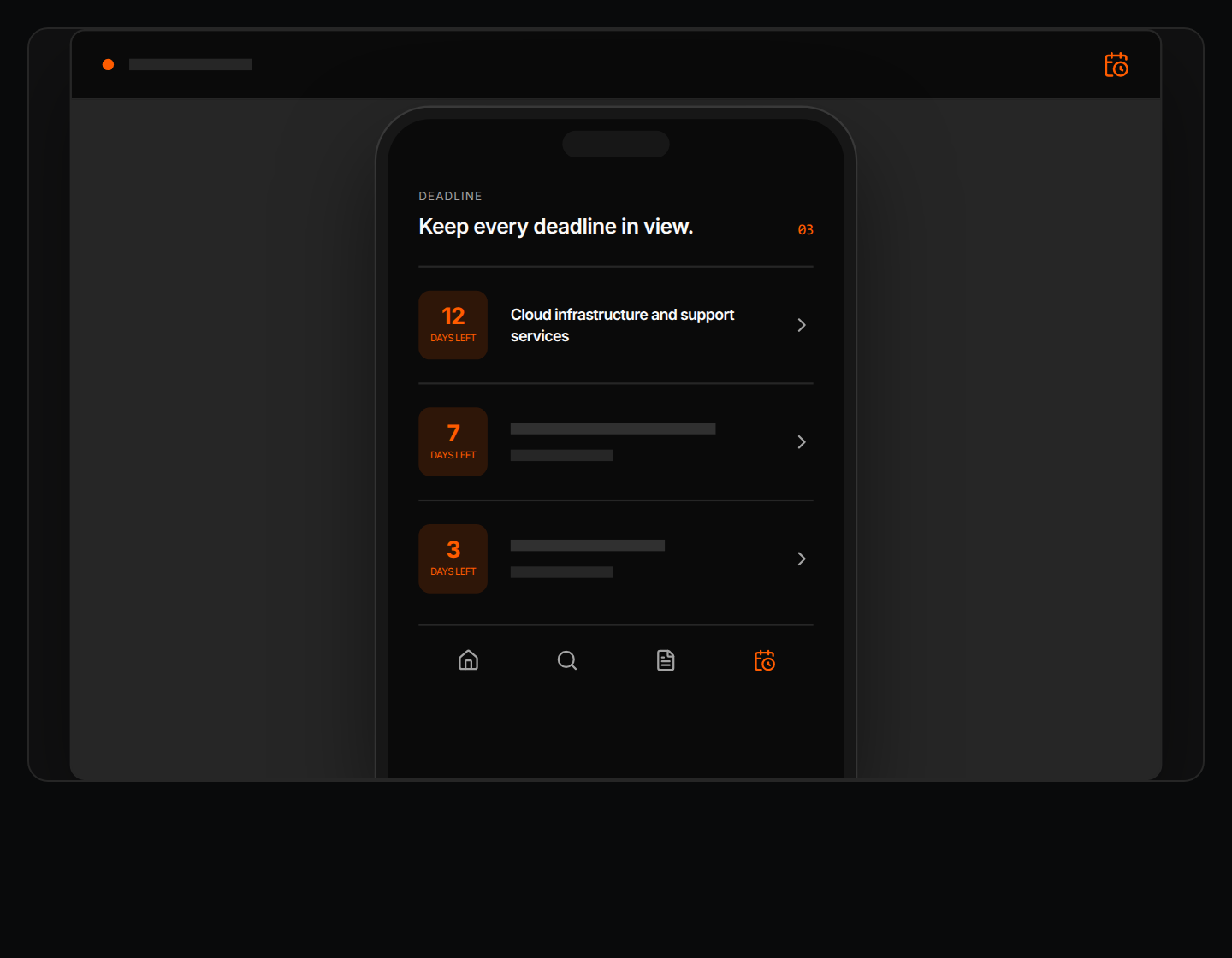
The deadline view shows how many days remain for each tender, and opens any of them in one tap.
Mobile shows which tender deserves attention. The bid is prepared in Tendersight Platform, where Flow works on the tender file, or in Tendersight Word.
Flow, the Tendersight agent, reads the full tender file, builds the offer and fills the authority's forms. Changes wait for your approval.
See the platform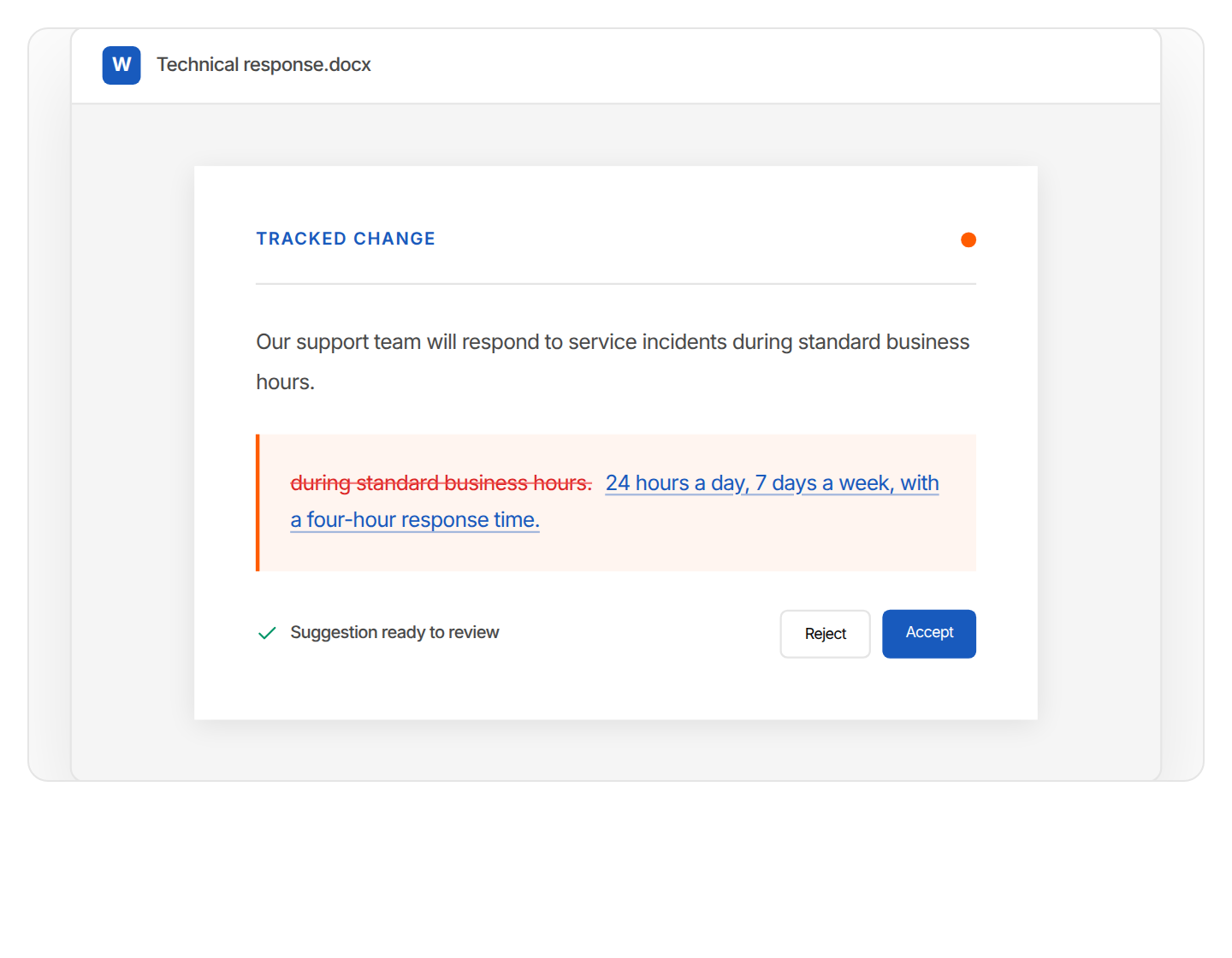
Improve, translate or anonymize the passage you select in Microsoft Word, with every edit as a tracked change.
See Tendersight WordBook a walkthrough of alerts, tender details, search and deadlines in Tendersight Mobile.
The tender title, the buyer, the value, a short summary and the deadline.
From your saved searches. When a new tender matches one of them, it appears in your list of new matches, marked as new.
Yes. Describe what you are looking for in everyday words and review the tenders that match.
No. Mobile is for finding and assessing tenders. The response is prepared in Tendersight Platform, where Flow works on the tender file, or in Tendersight Word.
Download Tendersight Mobile, save a search and see new matches as they appear.