 Tendersight Word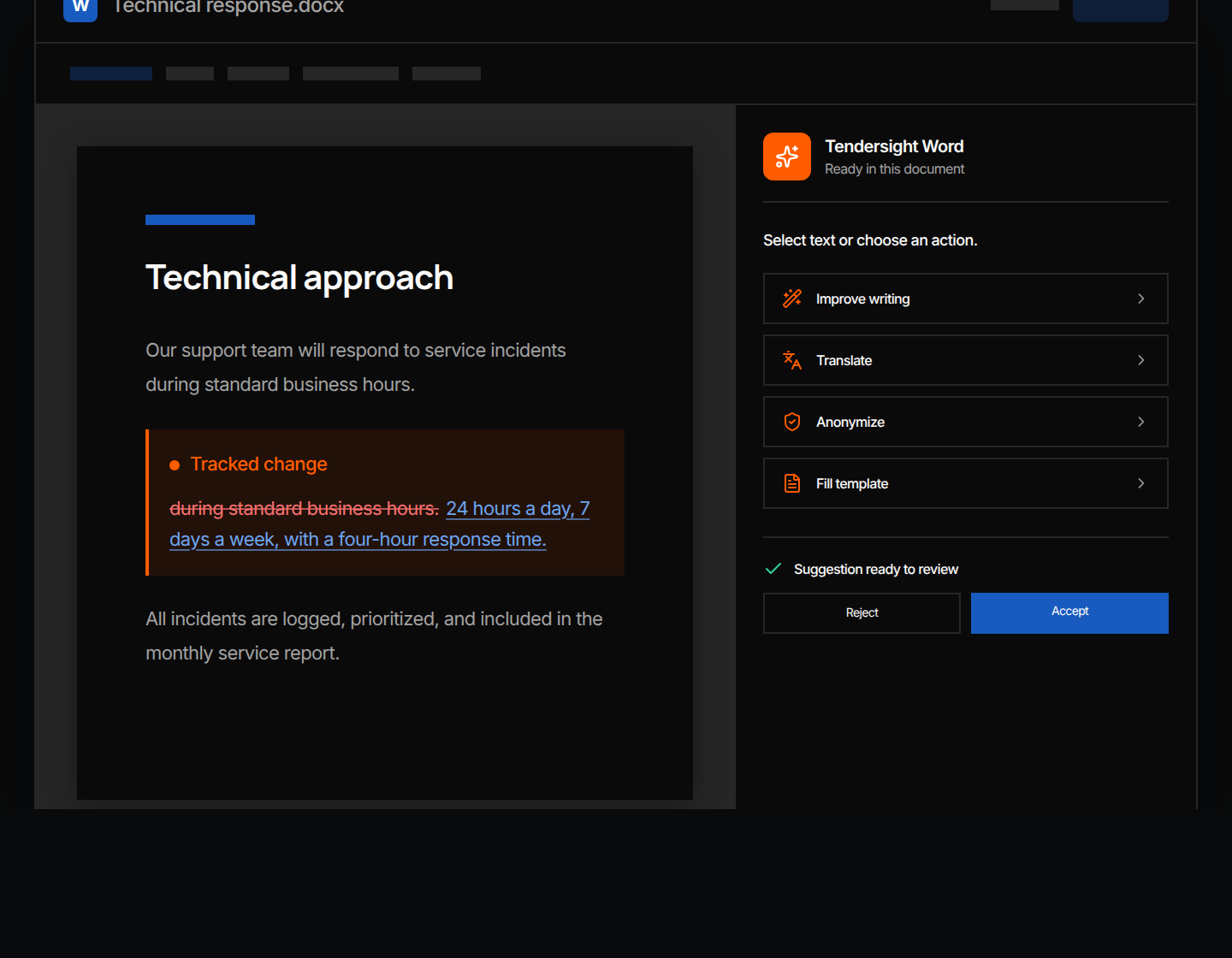
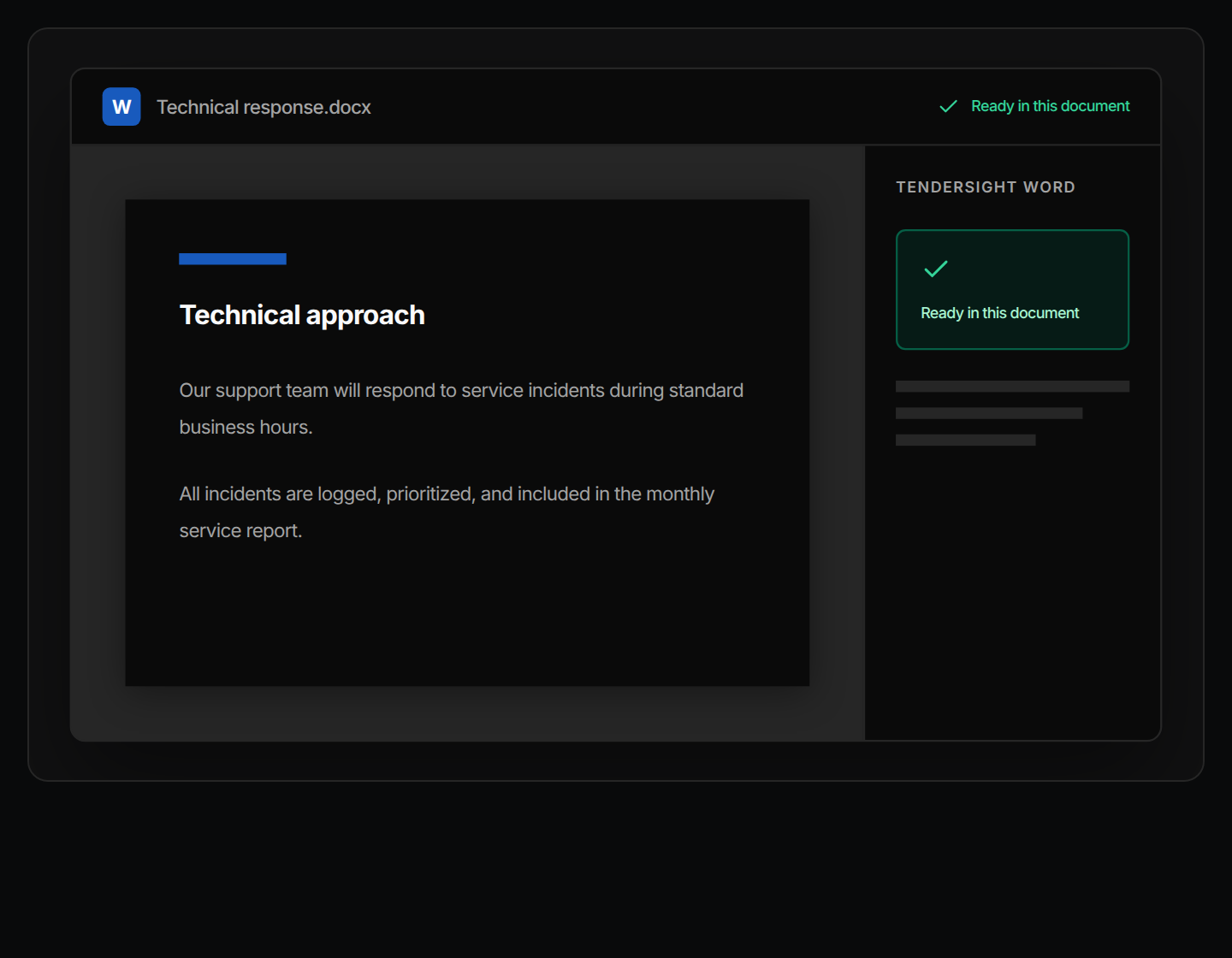
Word, Excel and PowerPoint forms, filled as copies
Flow edits the authority's own .docx, .xlsx and .pptx files instead of recreating them, and saves each one with (filled) in the name.


Find opportunities, choose which ones to pursue, prepare the response, and track the deadline.
Search notices, buyers, and CPV codes. Save useful searches and keep deadlines in view.
Improve text, translate it, remove sensitive details, or fill a template, then review each change in the same Word file.
Get notified when a relevant tender appears. Check the details, keep deadlines in view, and decide what needs attention next.
 Tendersight Word
Improve, translate, anonymize or fill the text you select, as tracked changes you accept or reject. In Tendersight, Flow fills the authority's own forms.
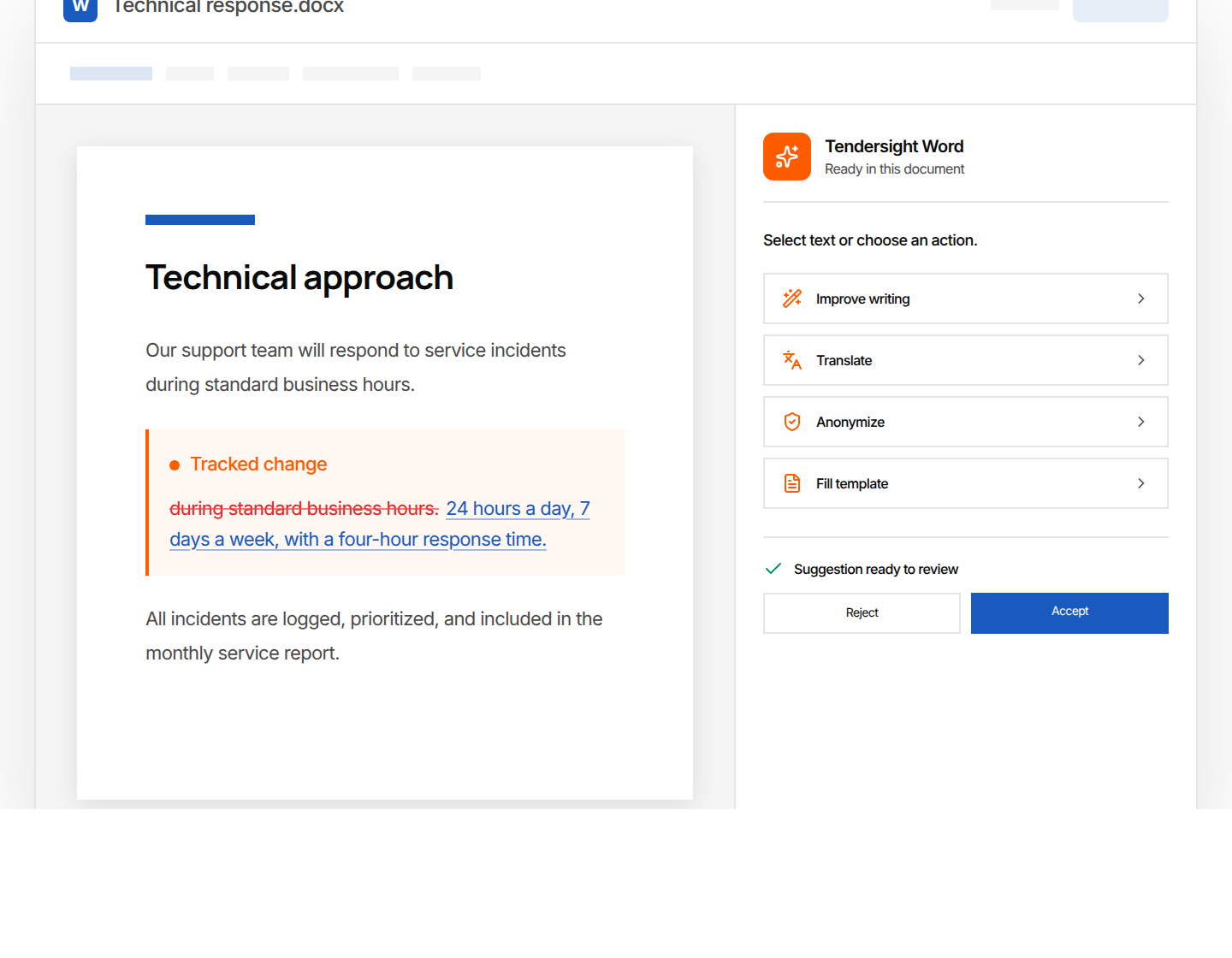
Works inside Microsoft Word
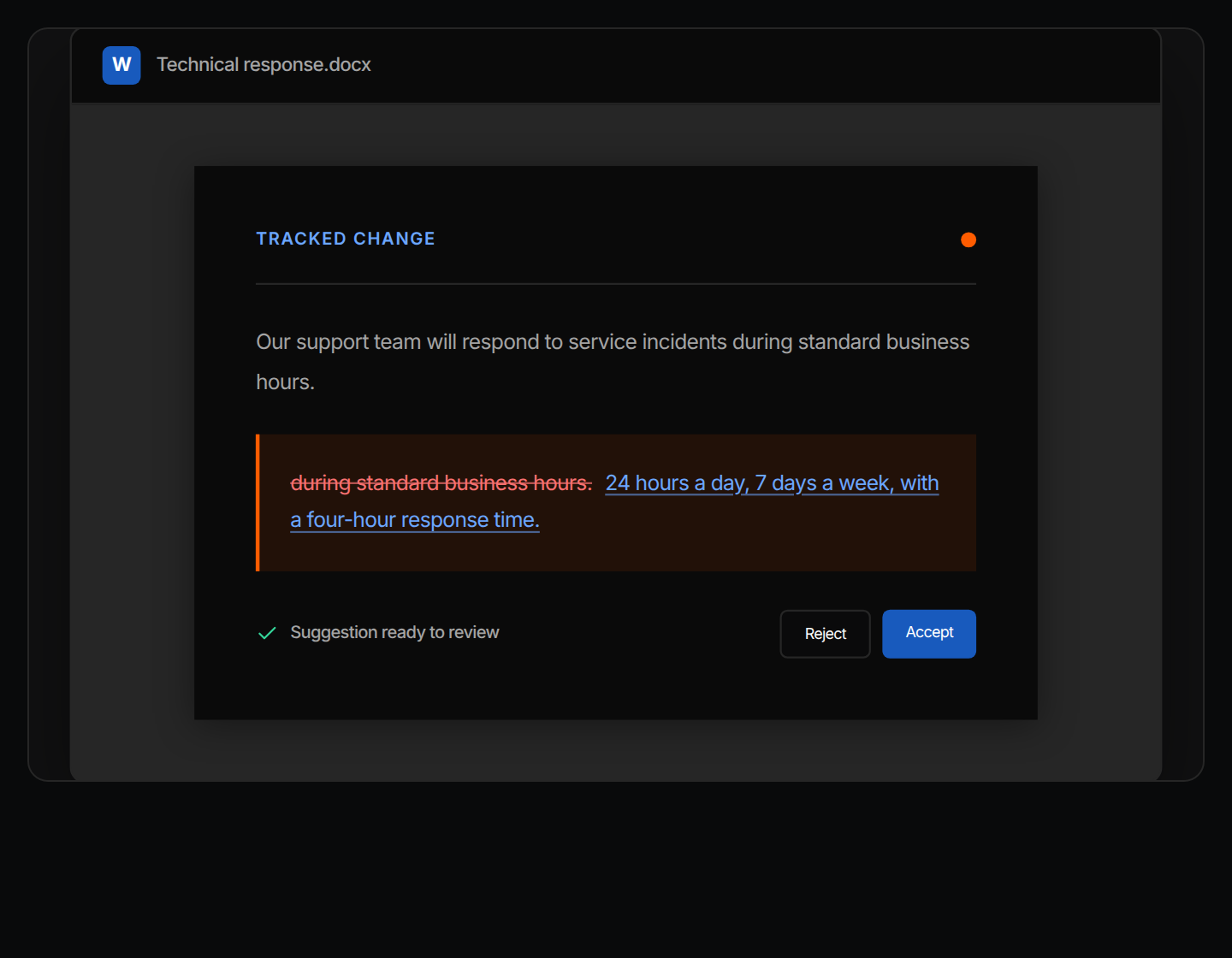
Every edit arrives as a tracked change
Authority forms filled as copies
Edits arrive as tracked changes. The authority's forms are filled as copies.
Tendersight Word works on the passage you select, in the file you have open. Flow, the Tendersight agent, fills the buyer's own Word, Excel and PowerPoint forms and never modifies the original.
Most of the text already exists somewhere. Fitting it to this buyer's requirements and templates is the work.
Fixed headings, numbered sections and fields that must stay where the authority put them.
Each answer restates the service level, response time or deliverable the tender asks for.
Rates, quantities and formulas that must still add up after every change.
Registration numbers, legal representative and banking details, entered again for each tender.
Case studies and CVs written for one market, reused in a tender published in another.
Partner names, contacts and locations removed before a draft goes to a subcontractor.
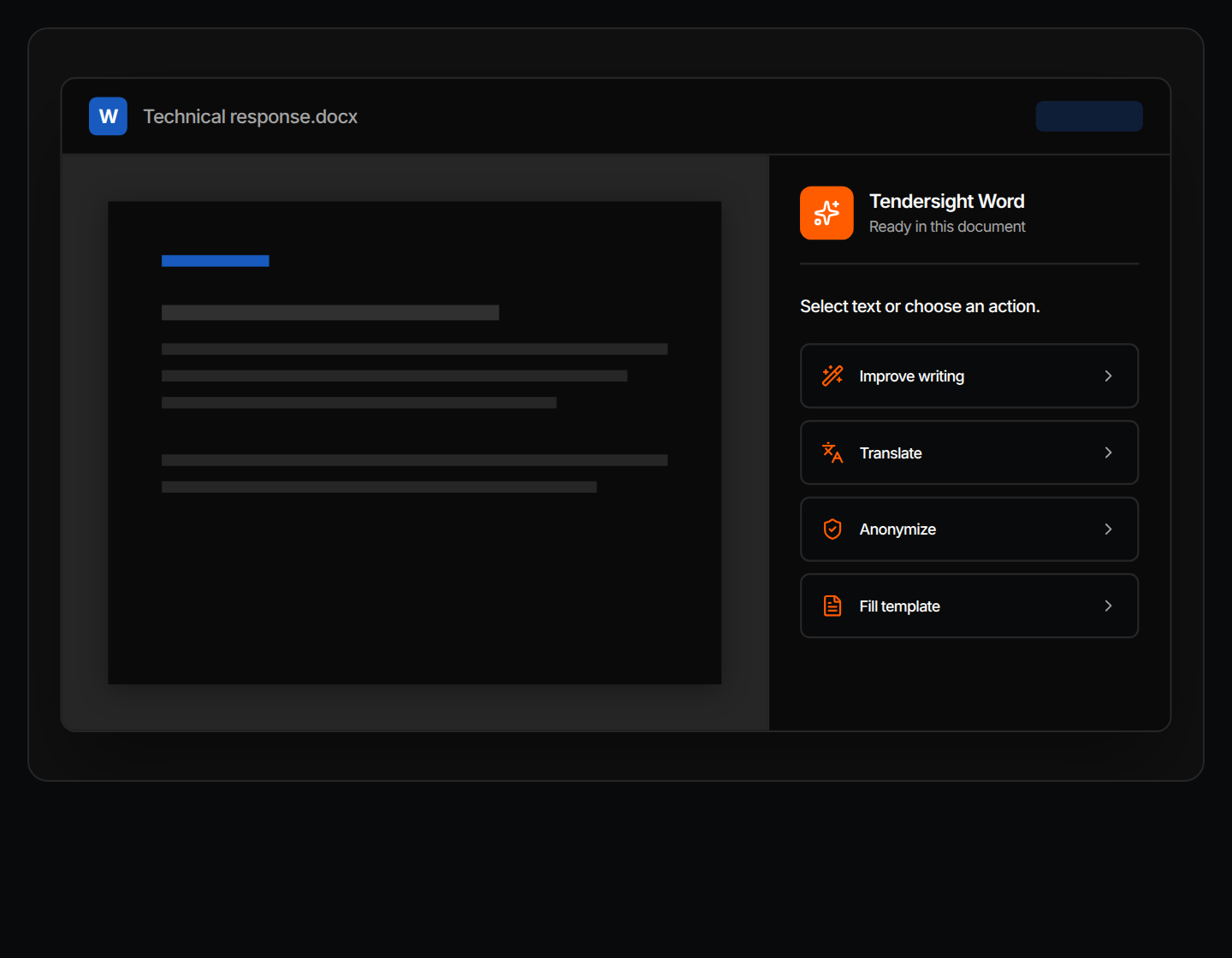
Tendersight Word sits in a pane beside the document. It works on your selection, and Word's own review tools decide what stays.
Select a passage and choose Improve writing, Translate, Anonymize or Fill template. The document stays open while it works.
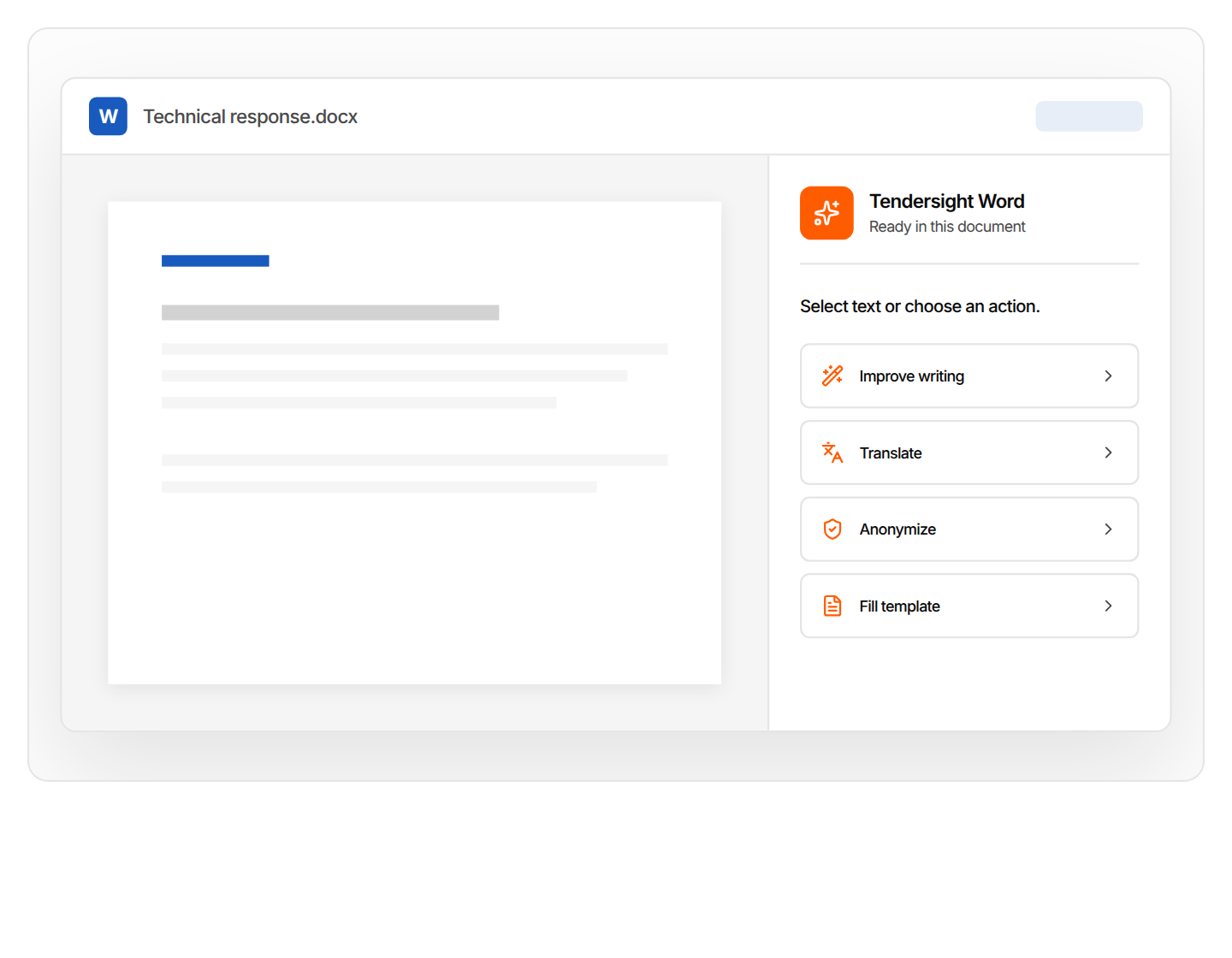
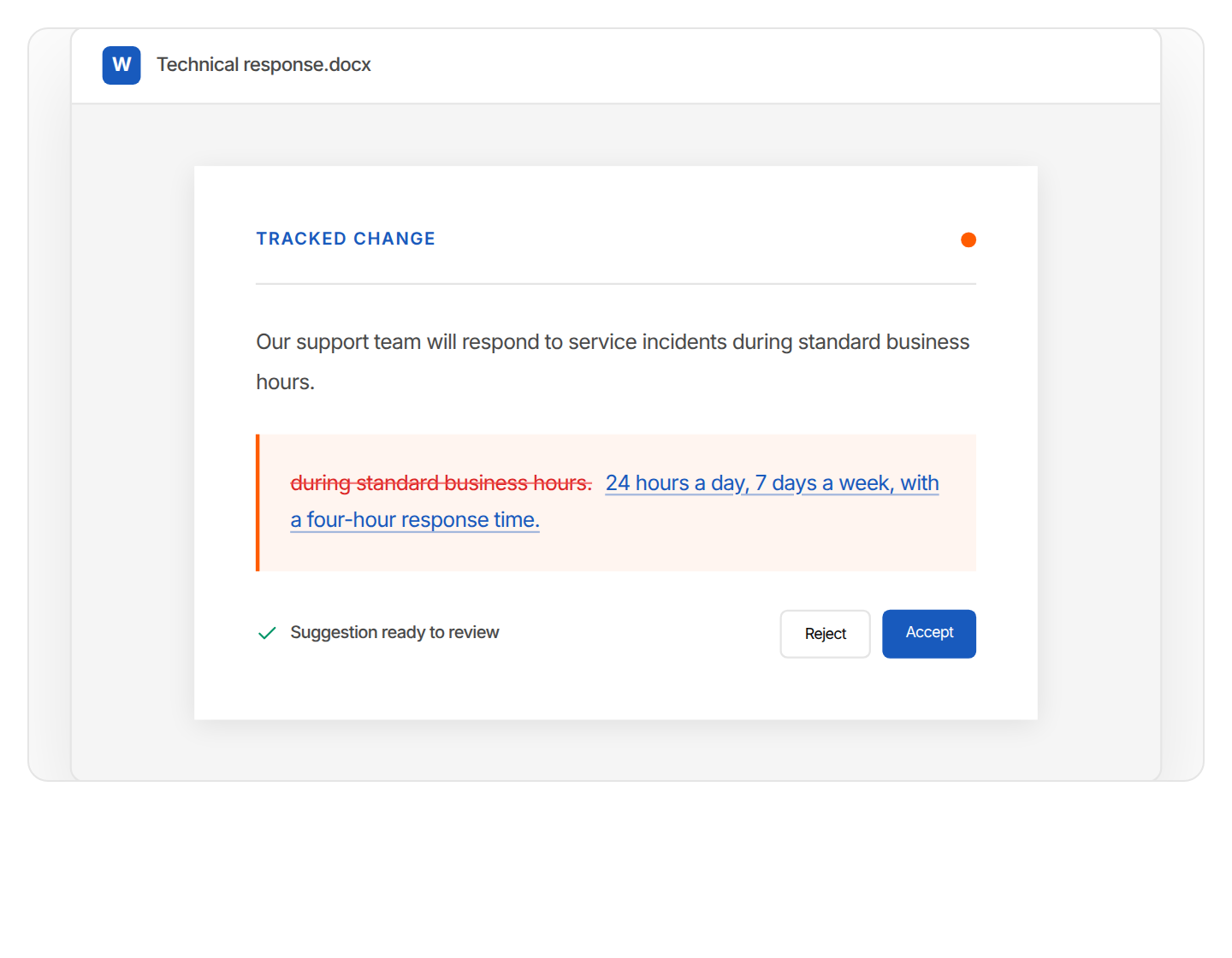
Removed text stays visible and the new text appears as a revision. Accept it, edit it or reject it in Word.
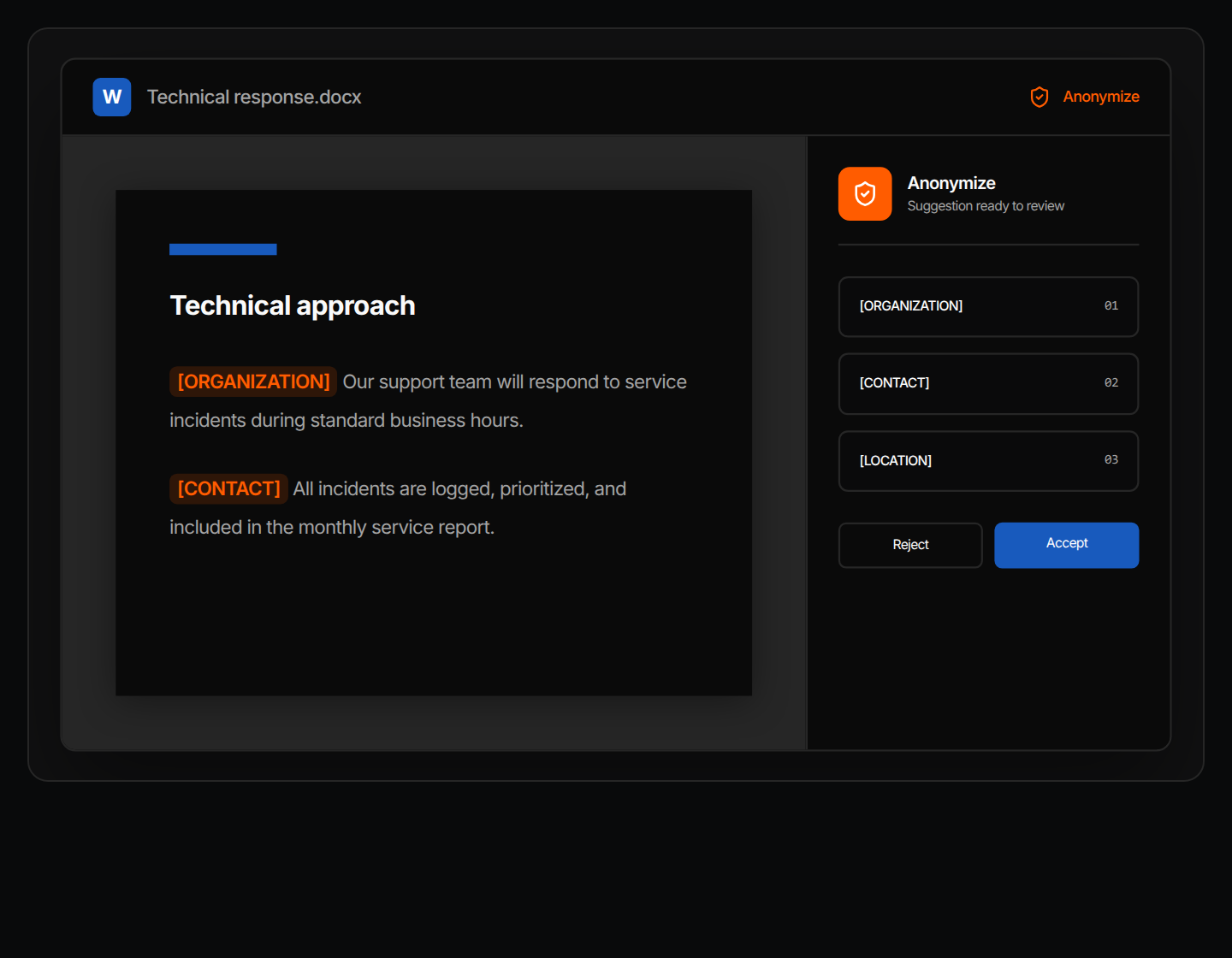
Organisations, contacts and locations become [ORGANIZATION], [CONTACT] and [LOCATION]. You review each replacement first.
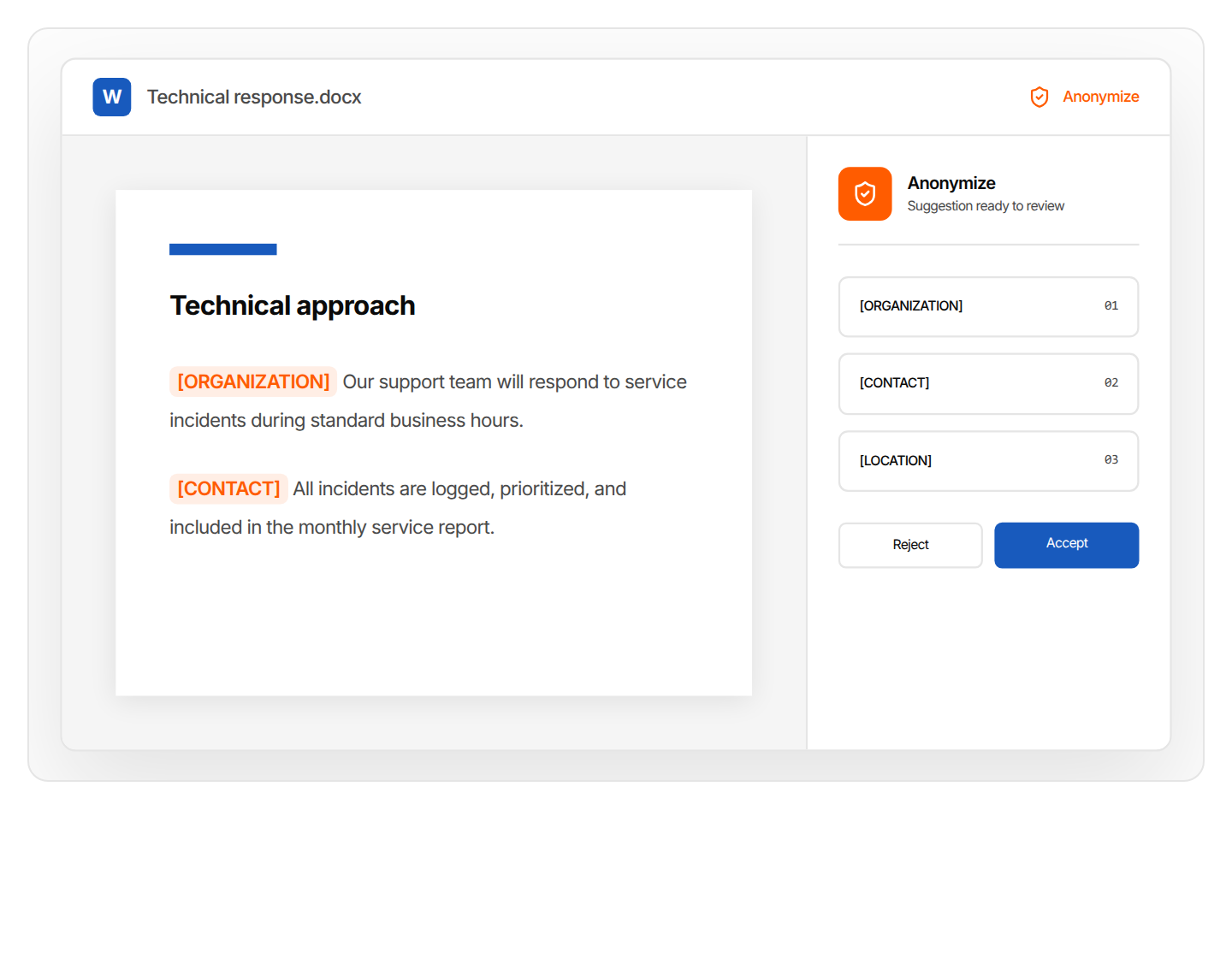
Nothing to export and nothing to paste back. The response stays in the same Word document.
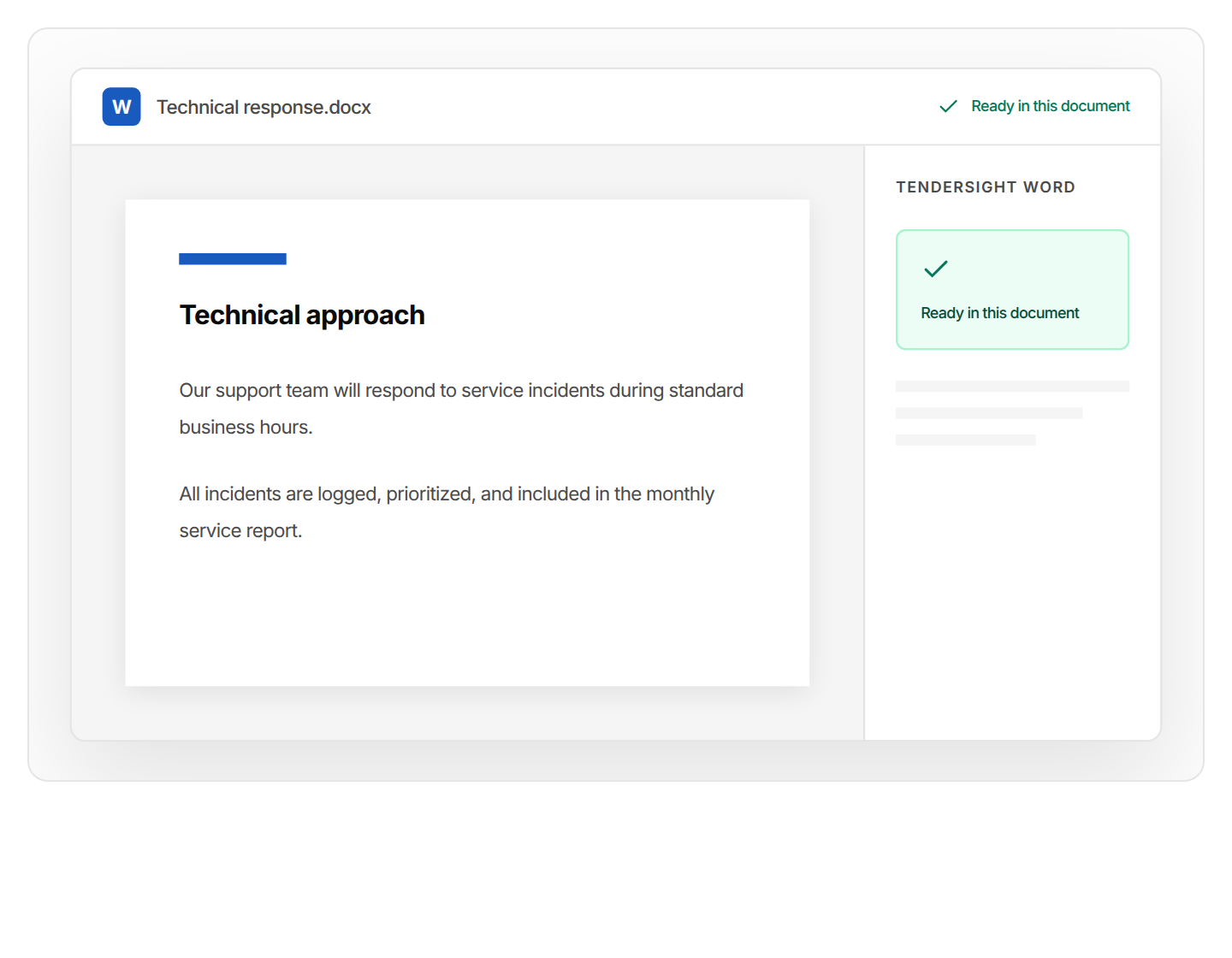
In Tendersight, Flow opens the buyer's own template in an editor, fills it from your company data and approved answers, and saves a filled copy. The original is never modified.
In Tendersight, the in-editor assistant fills fields, edits text, inserts tables, charts and slides, and recalculates formulas. Changes to documents wait for your confirmation.
Flow edits the authority's own .docx, .xlsx and .pptx files instead of recreating them, and saves each one with (filled) in the name.
Ask for a rate table, a chart or a slide. Flow inserts it and recalculates the formulas that depend on it.
Ask Flow to create a checkpoint before a large edit, and restore it if the result is not what you wanted.
Files marked external submission are checked for internal-only content, such as strategy or competitor notes, before they are saved.
Flow creates documents from templates, imports the tender documents and sorts the files into folders.
Examples of requests from bid writers and proposal managers working in the authority's templates.
Fill the declaration of honour in the tender file with our legal representative and company details.
Enter our hourly rates in the authority's price schedule and check that every lot total recalculates.
Add a slide on our service desk escalation process to the authority's presentation template.
Import the tender documents into the bid library and put the forms we have to fill in their own folder.
Create a checkpoint, then shorten section 3 of the technical offer to two pages.
List the required documents in this pursuit that are not uploaded yet.
In a demo we open it in Word with Tendersight Word, then show Flow filling the authority's forms in Tendersight.
Yes. It opens in a pane beside the document you are editing, and you keep working in the same file.
Four actions on the text you select: Improve writing, Translate, Anonymize and Fill template. Each suggestion appears as a tracked change for you to accept or reject.
Yes, in Tendersight. Flow fills the authority's .docx, .xlsx and .pptx forms in an editor and saves a filled copy. The original file is never modified, and changes to documents wait for your confirmation.
Your team. In Word, every suggestion is a tracked change. In Tendersight, files are marked internal working or external submission, and final review and submission stay with you.
No. Tendersight Word edits the file you have open. The files Flow fills in Tendersight can be opened in the editor or downloaded.
Book a demo with a document from a live tender, or start free and ask Flow to fill the authority's form.